MIDIProbe
New in 2.0 Timeline view, demo mode & guided tours

MIDI toolkit for iPhone & iPad

Know what your MIDI gear is doing.

The pocket MIDI toolkit for iPhone and iPad. Discover your devices, send the exact messages you need, and watch every incoming message live, so you can see at a glance which device sent what, and when.

  • USB
  • Bluetooth
  • Network MIDI
  • iPhone & iPad
  • Demo mode
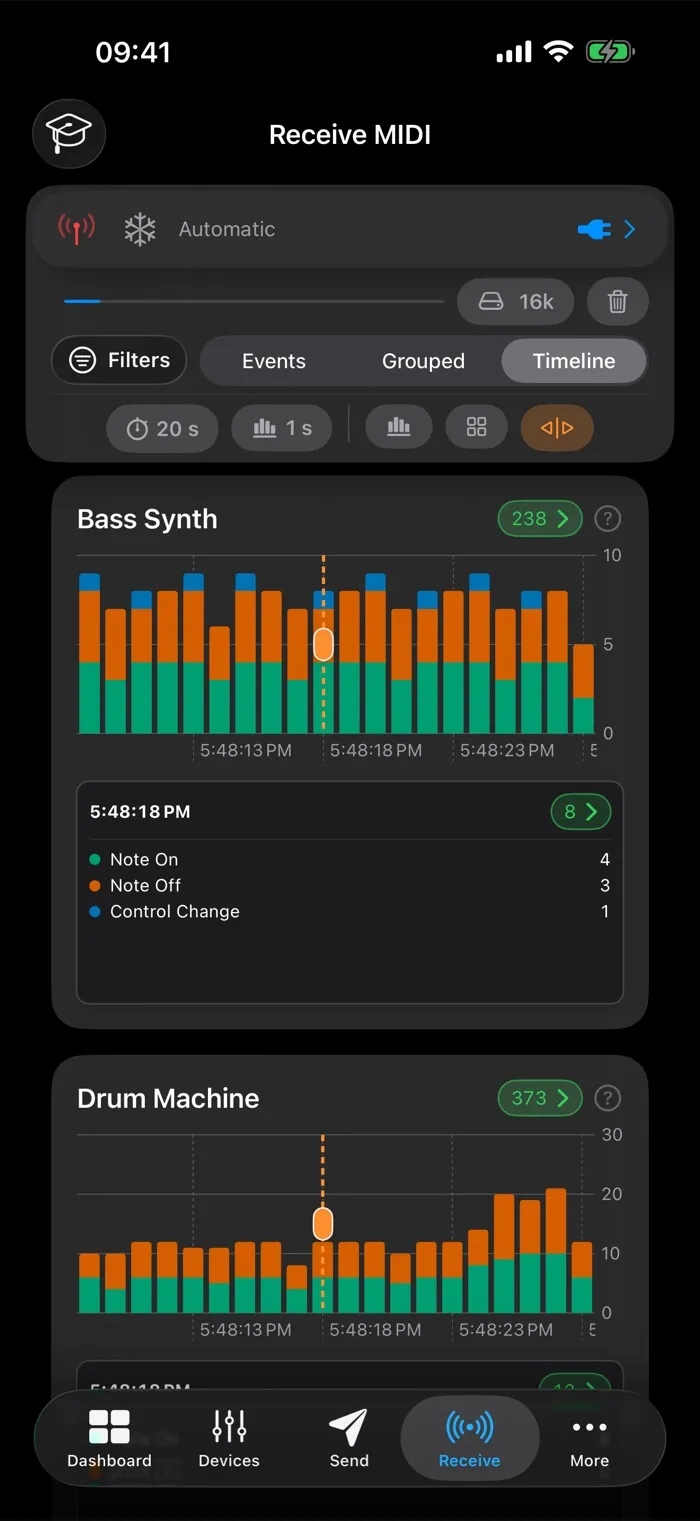
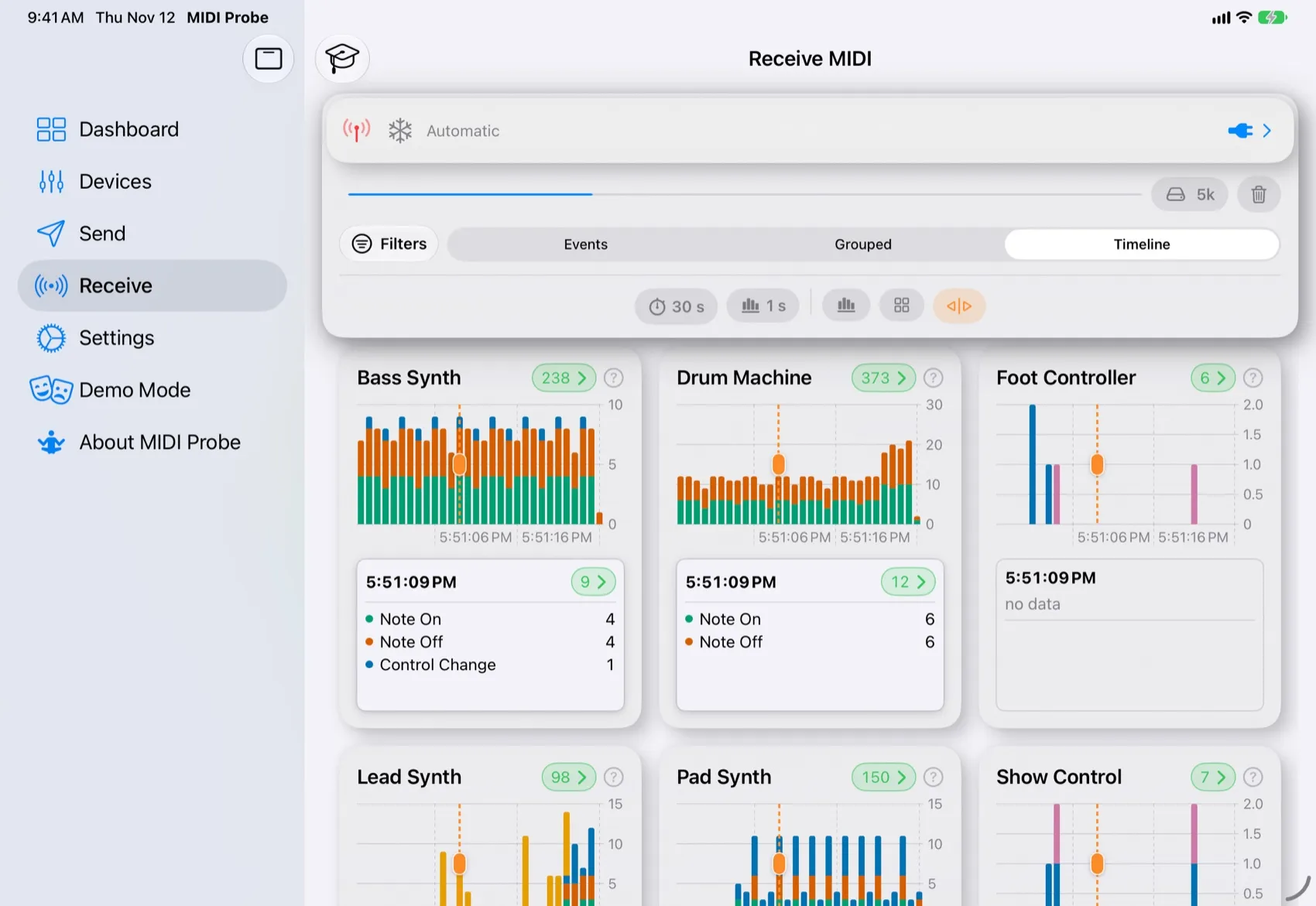
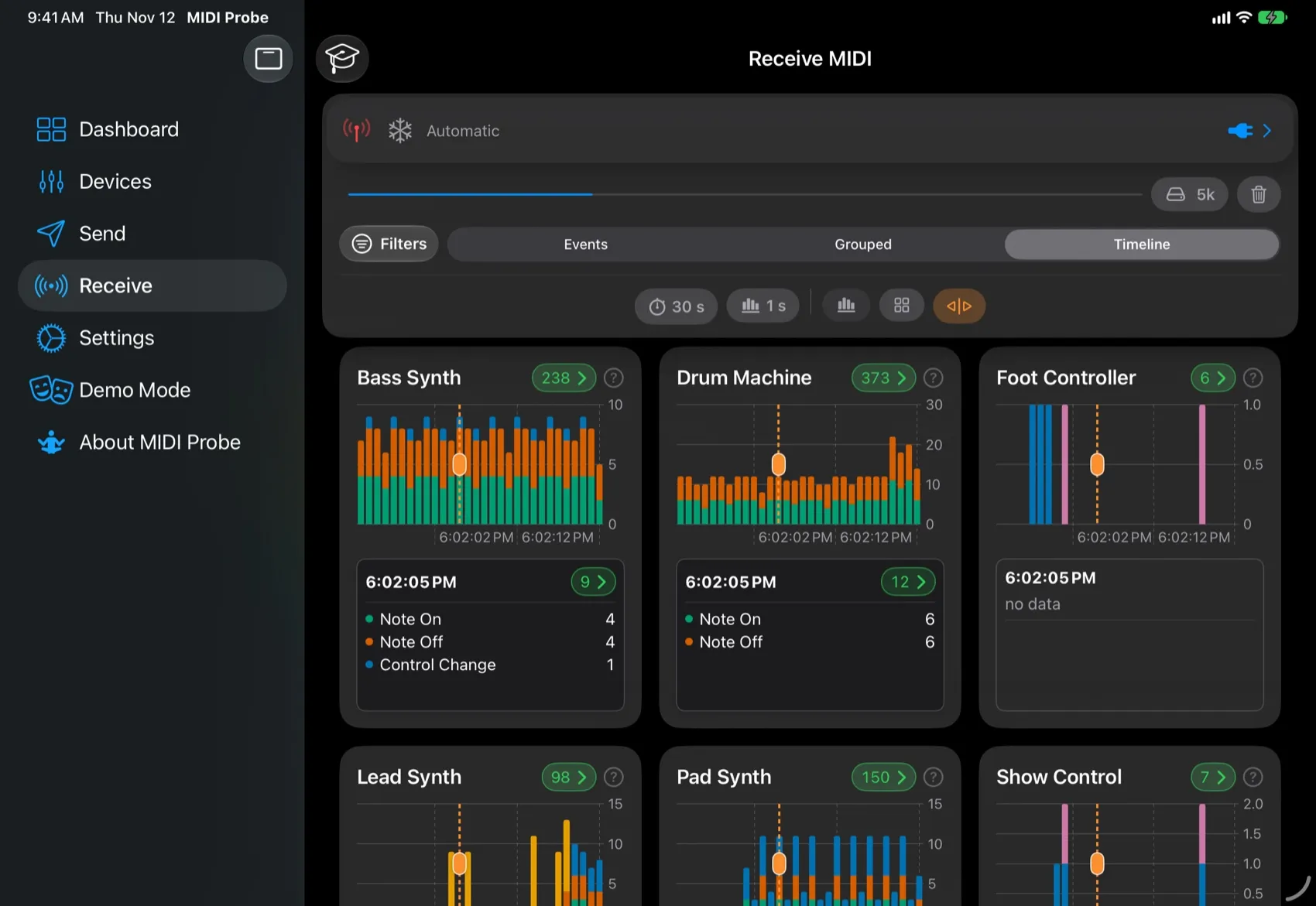
MIDIProbe on iPad: timeline of several devices with the time marker
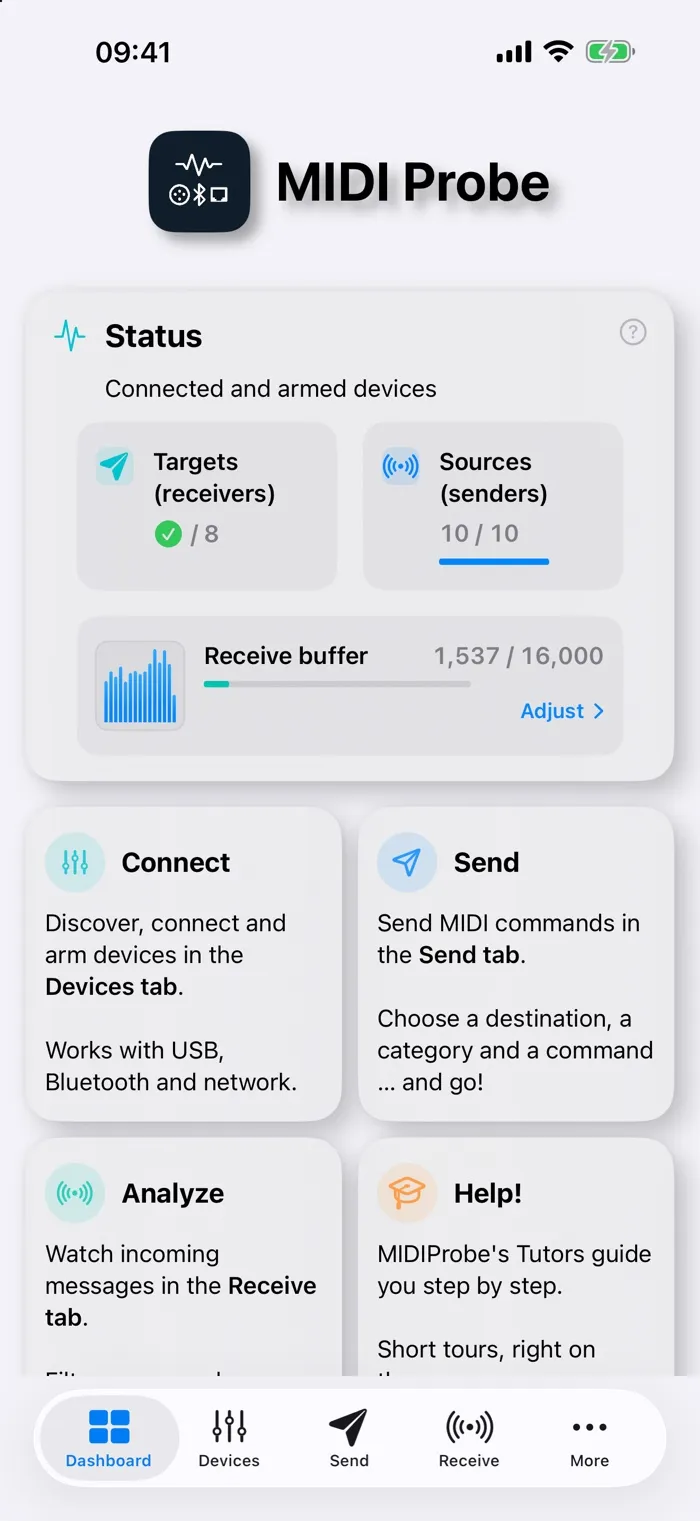
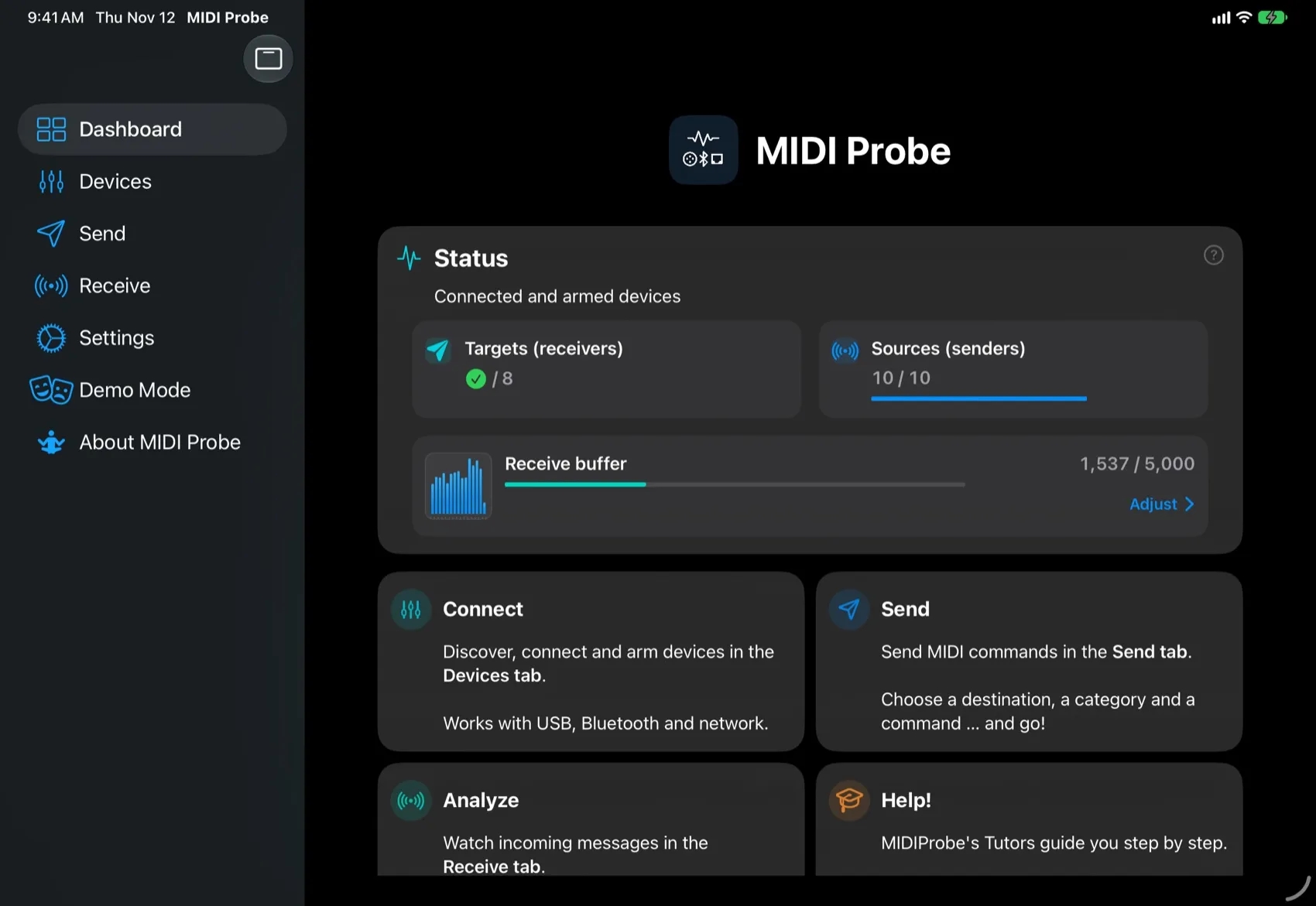
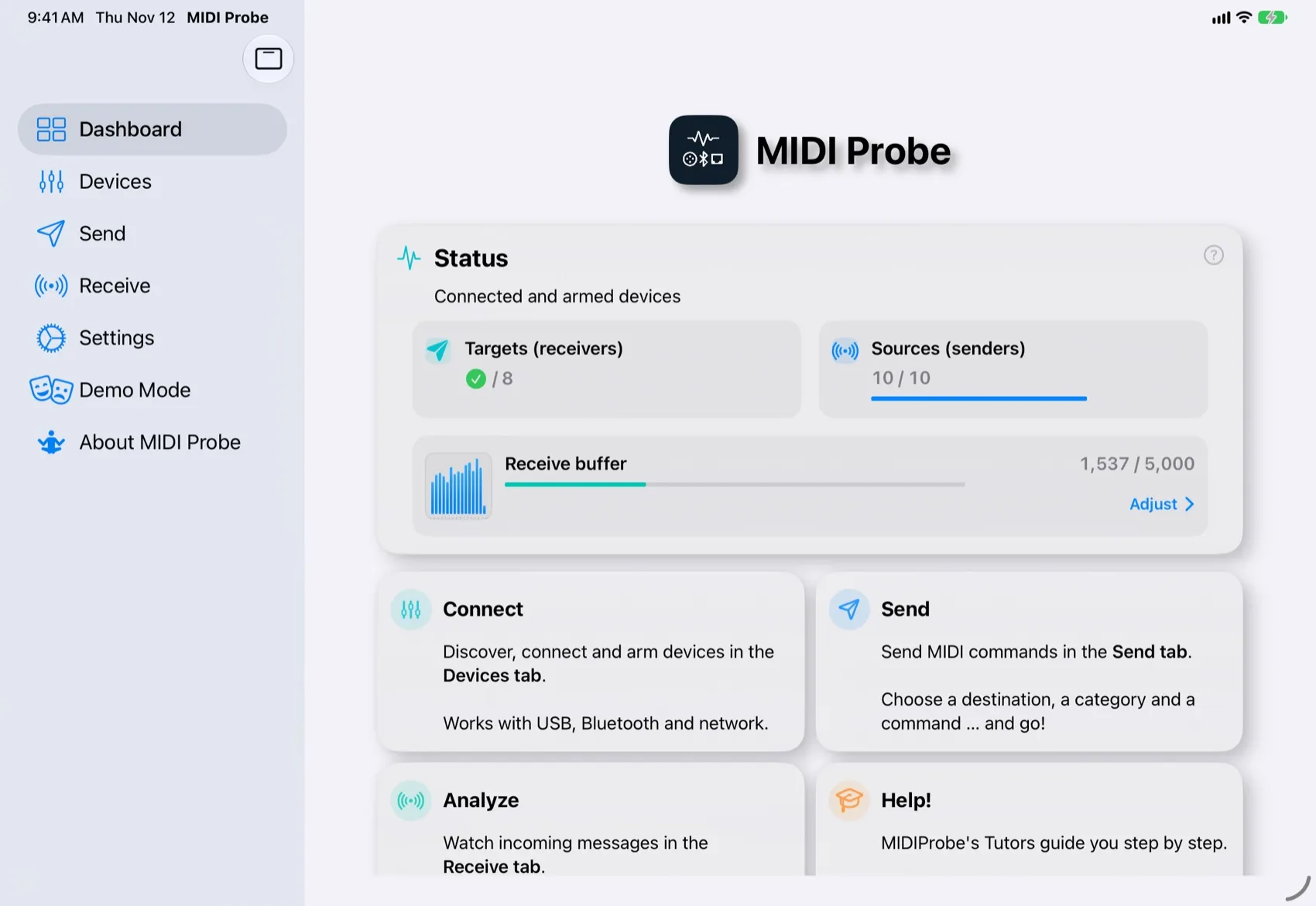
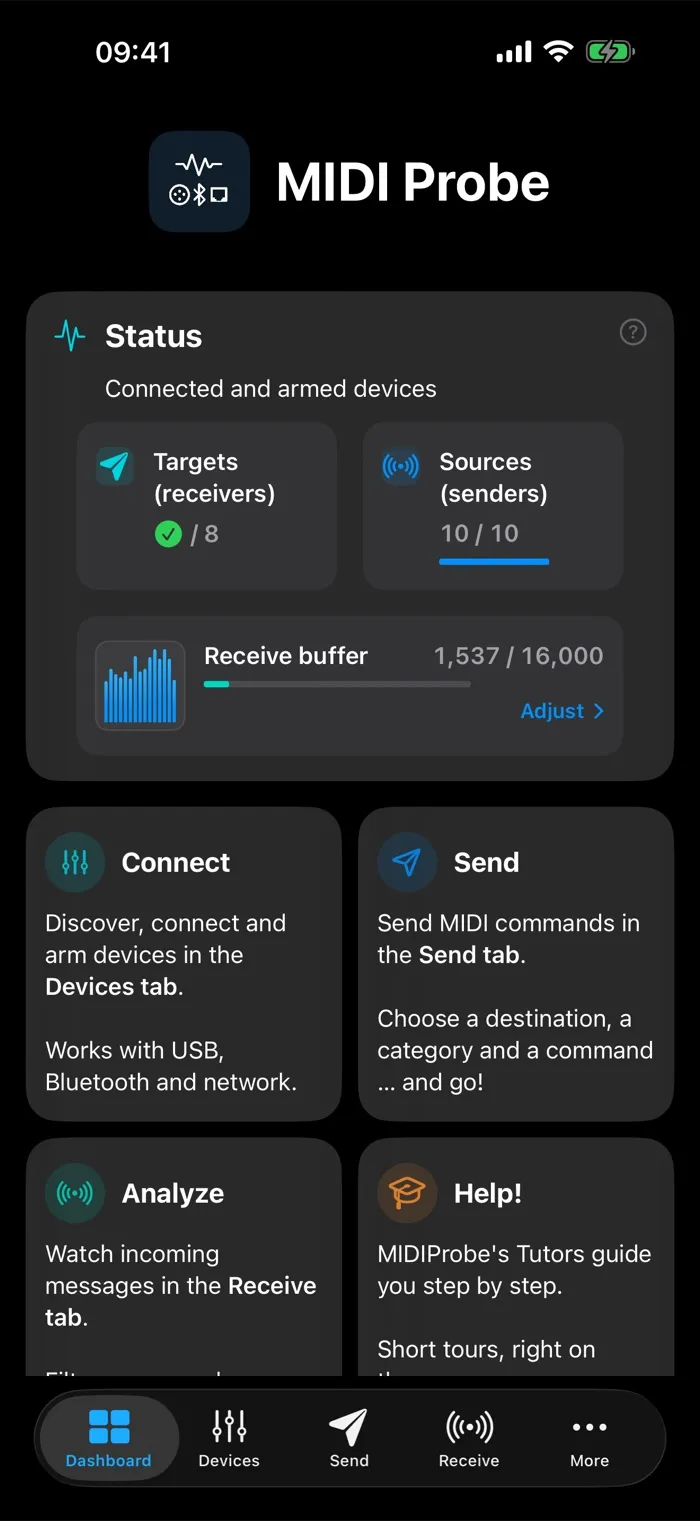
MIDIProbe on iPhone: dashboard

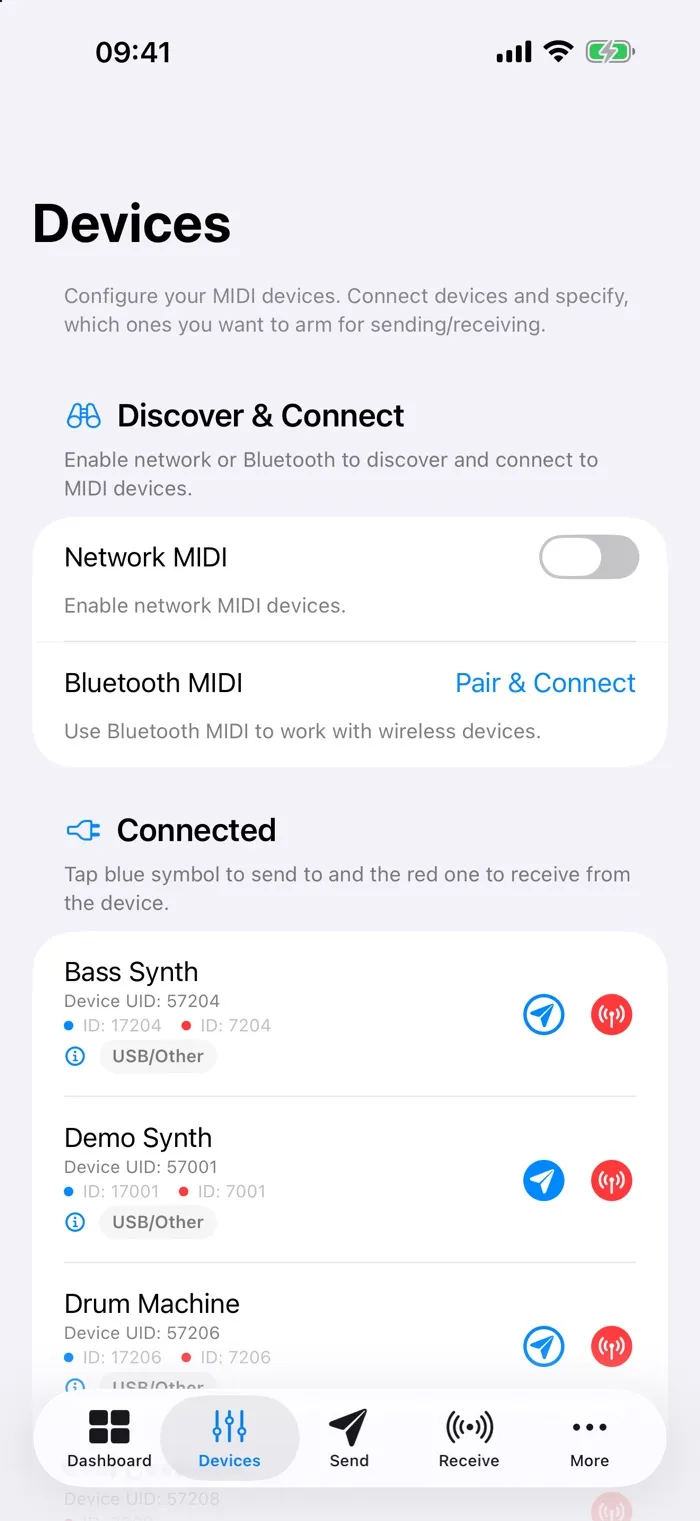
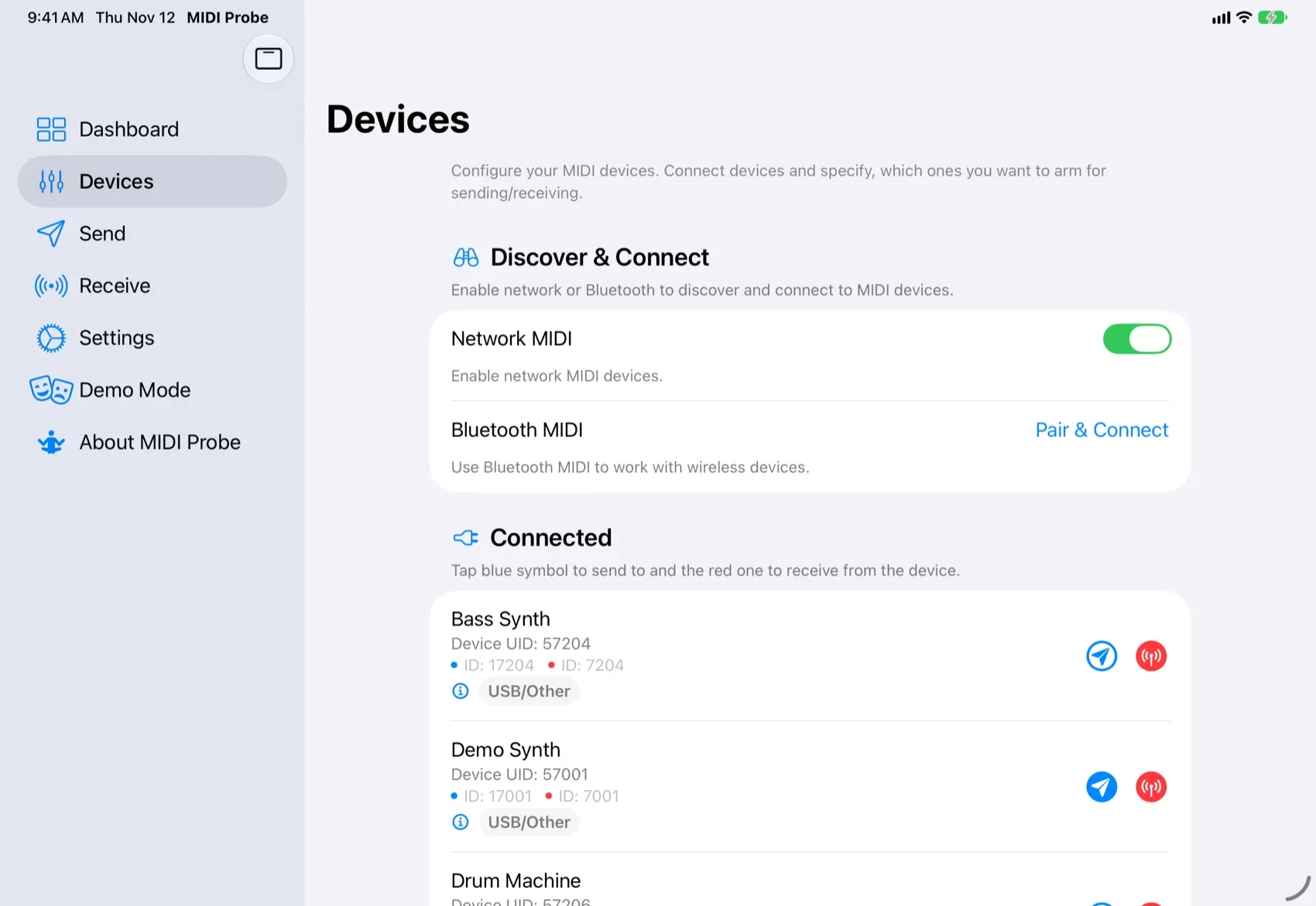
Discover

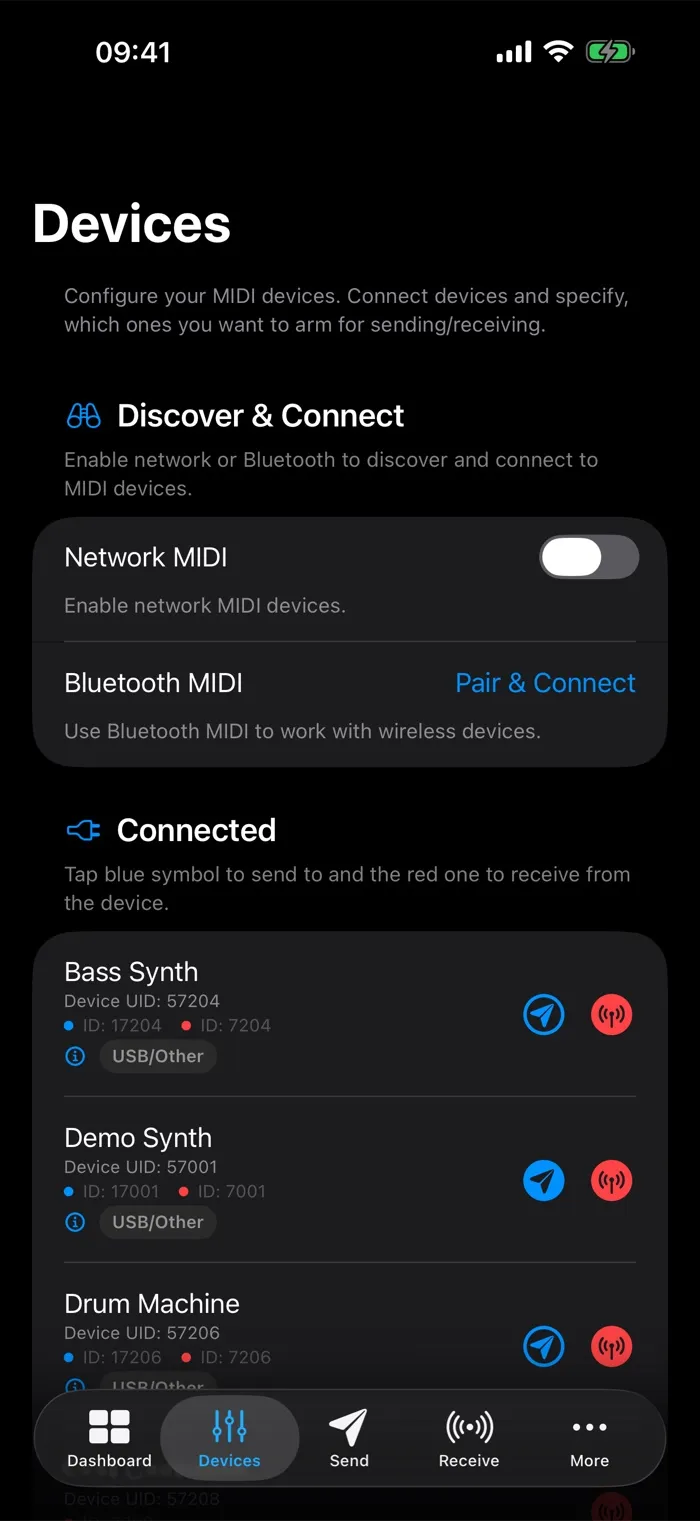
See every USB, Bluetooth and network MIDI device, and pick sources and destinations in place.

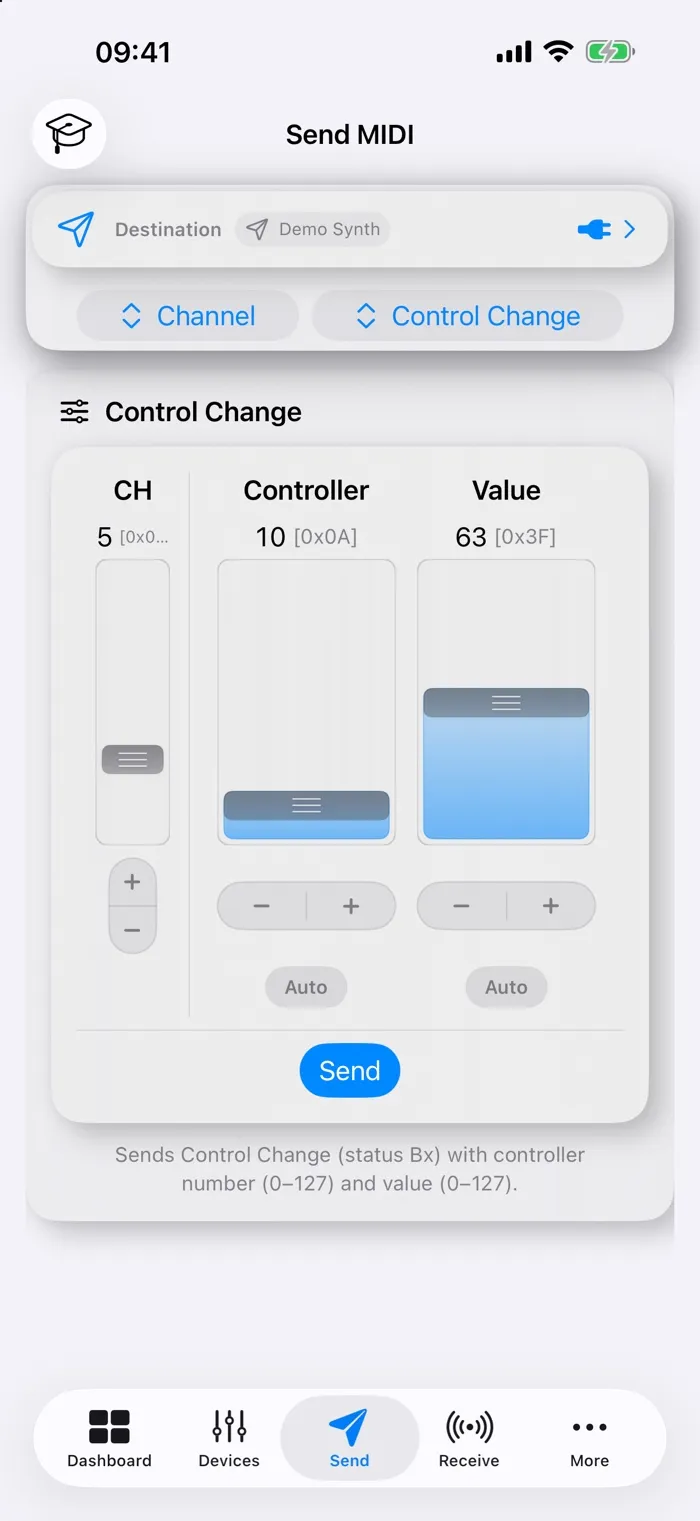
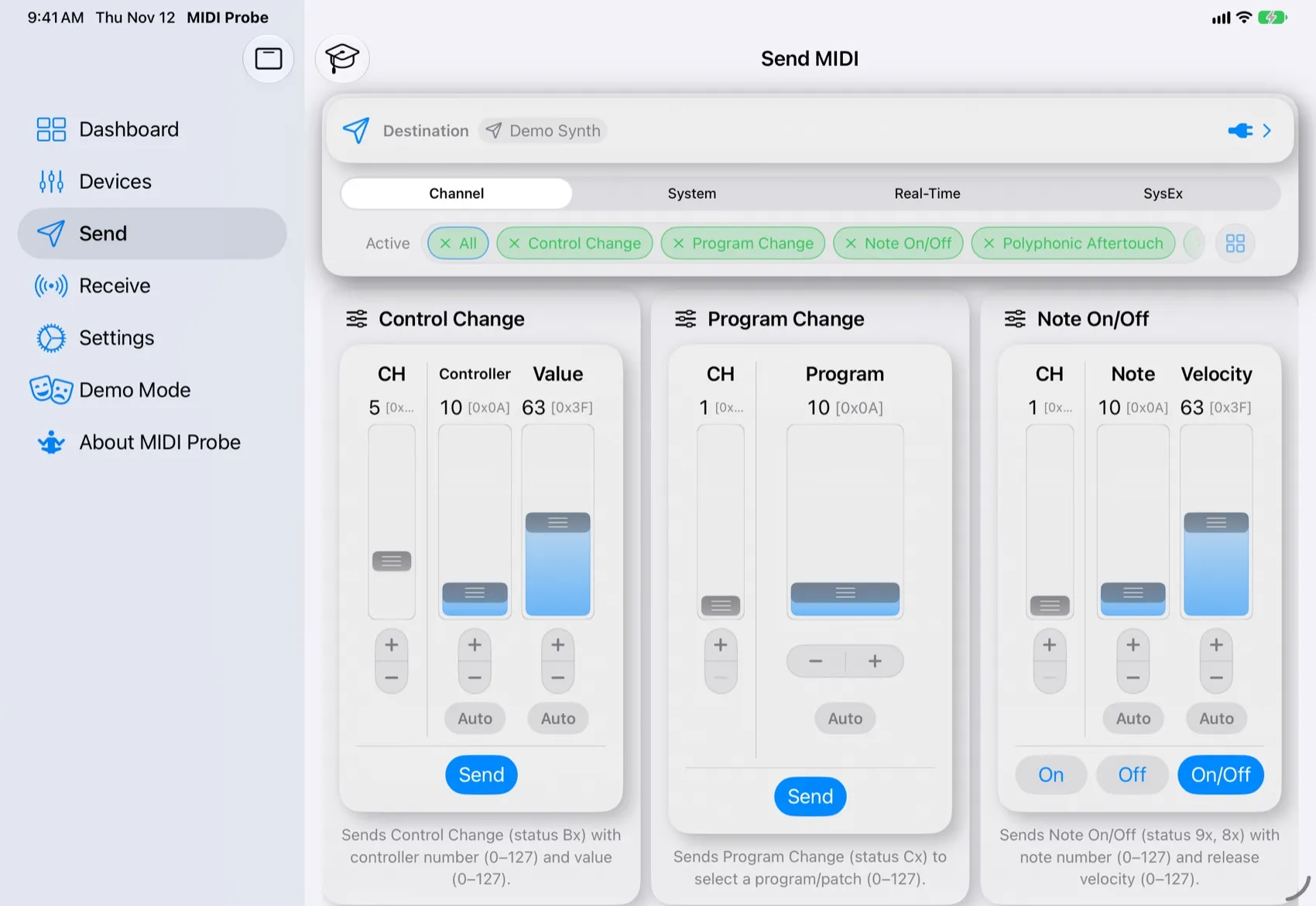
Send

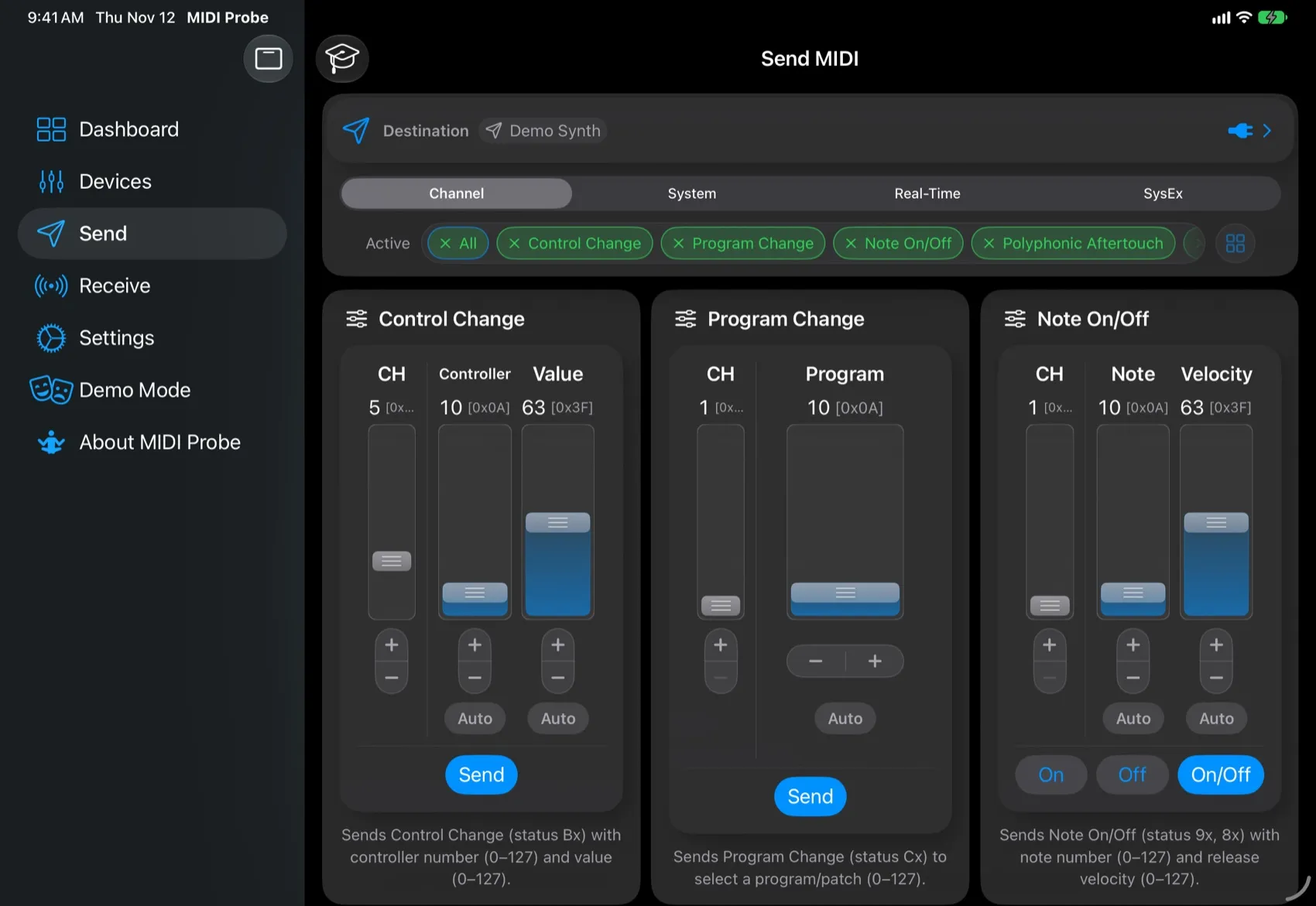
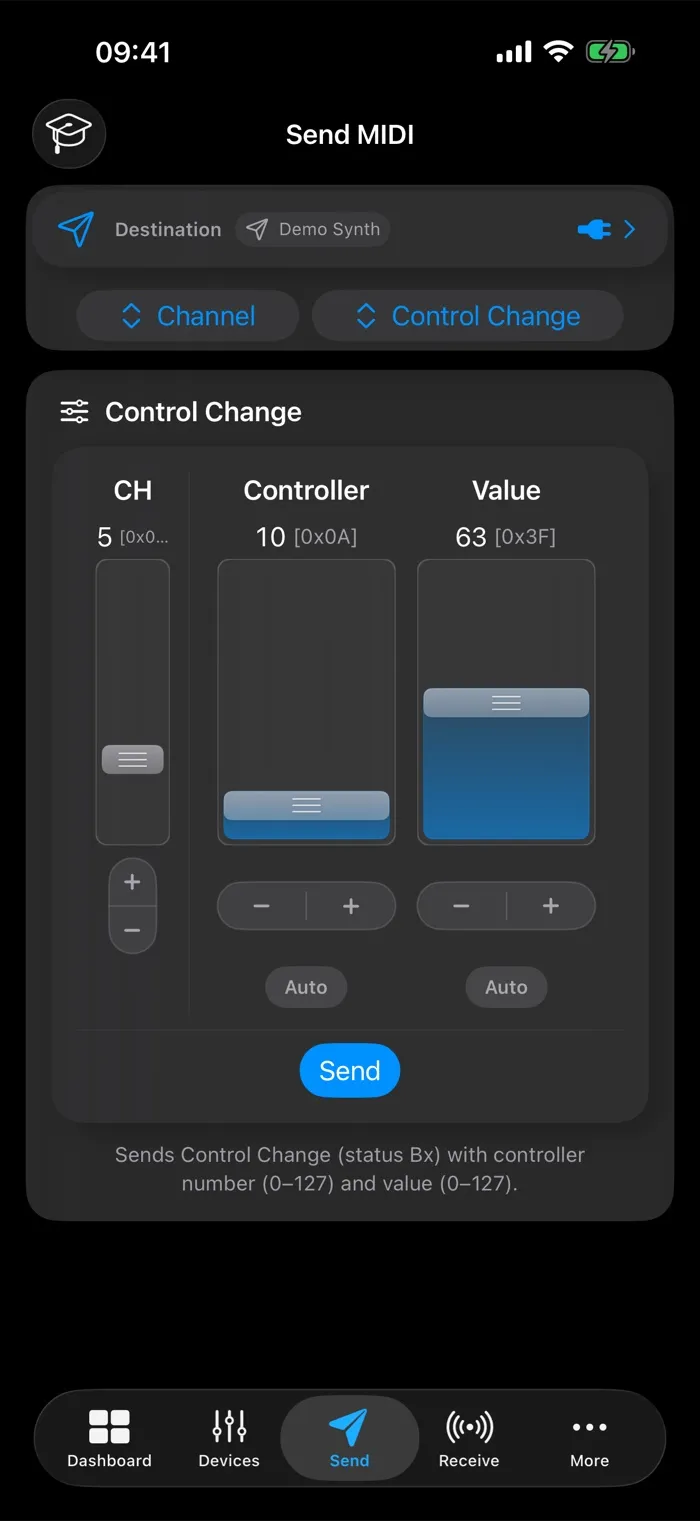
Fire any channel, system or real-time message from interactive cards. No hex required.

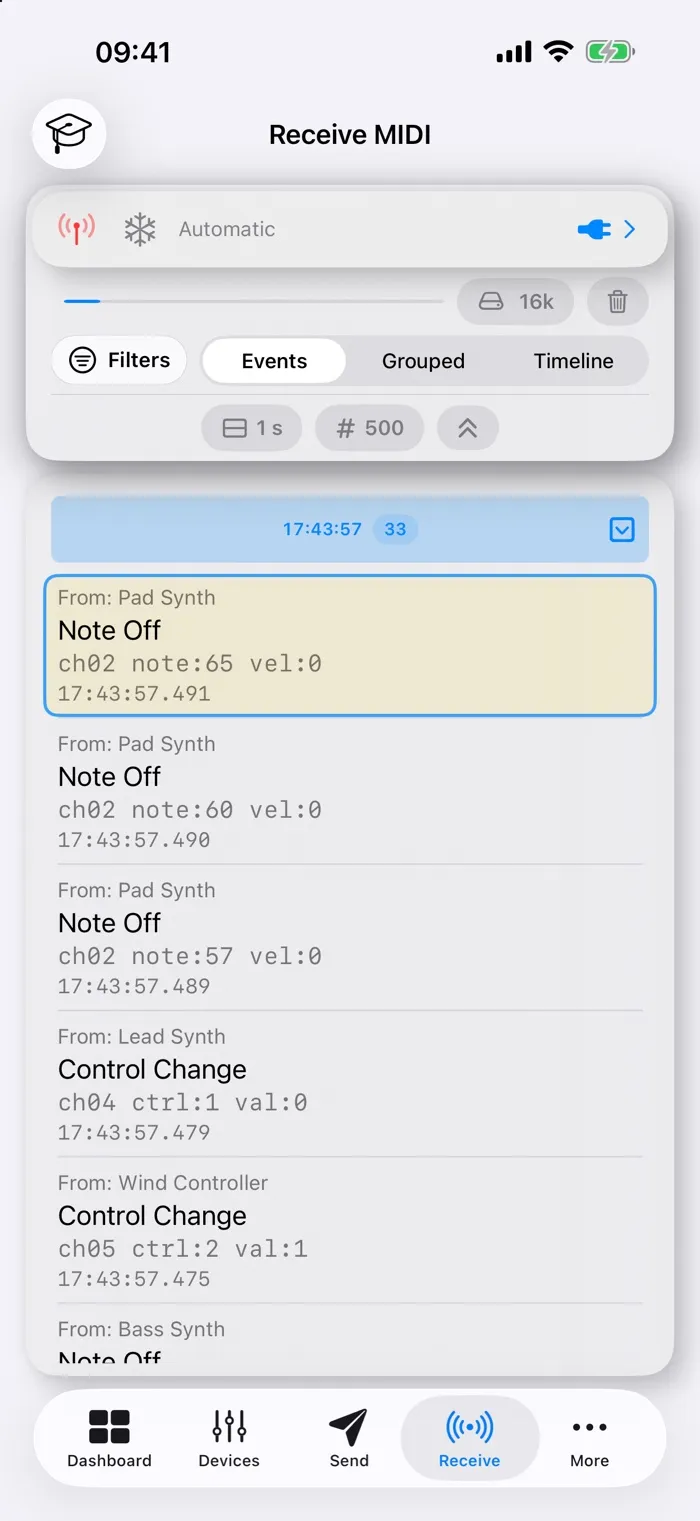
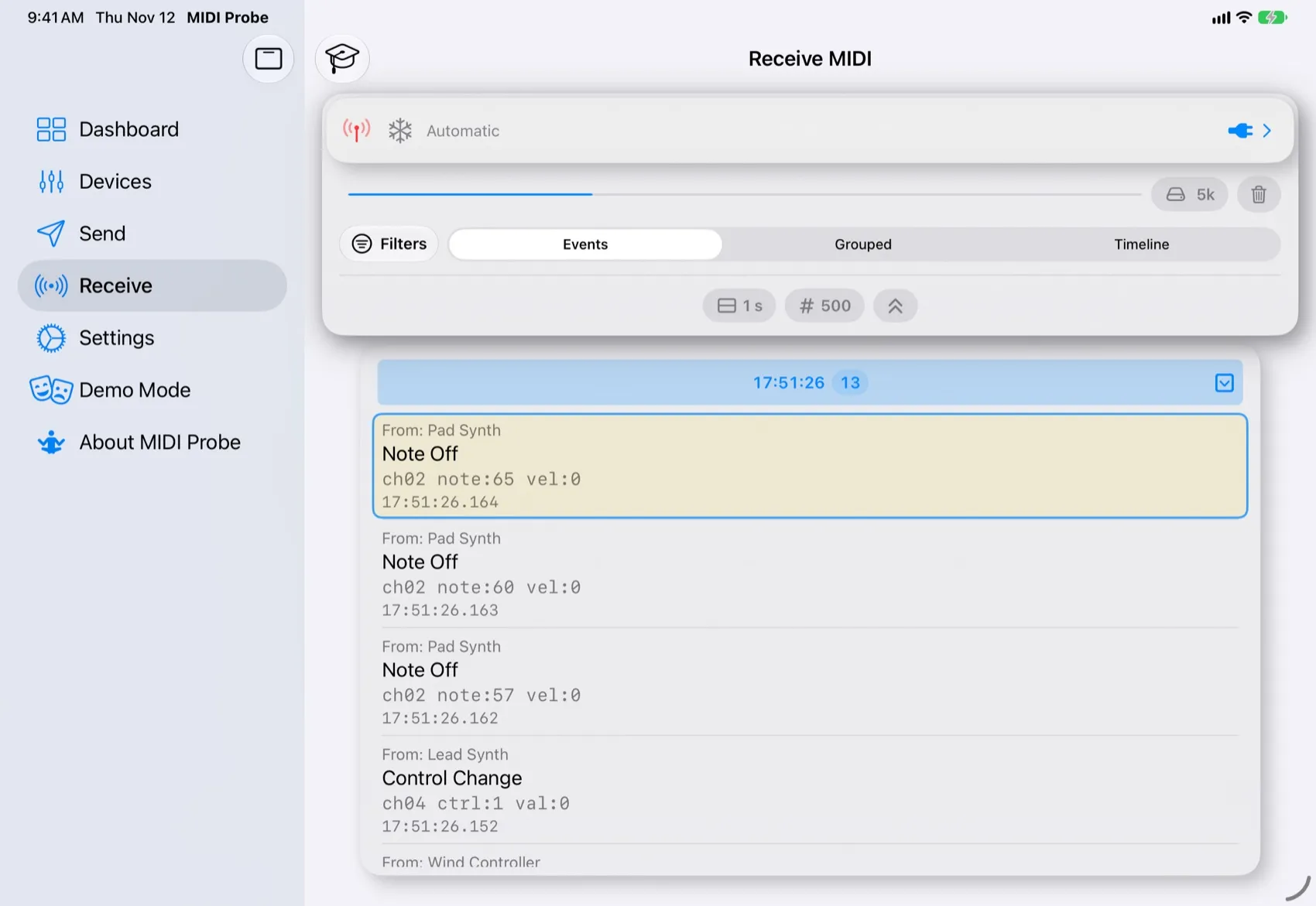
Monitor

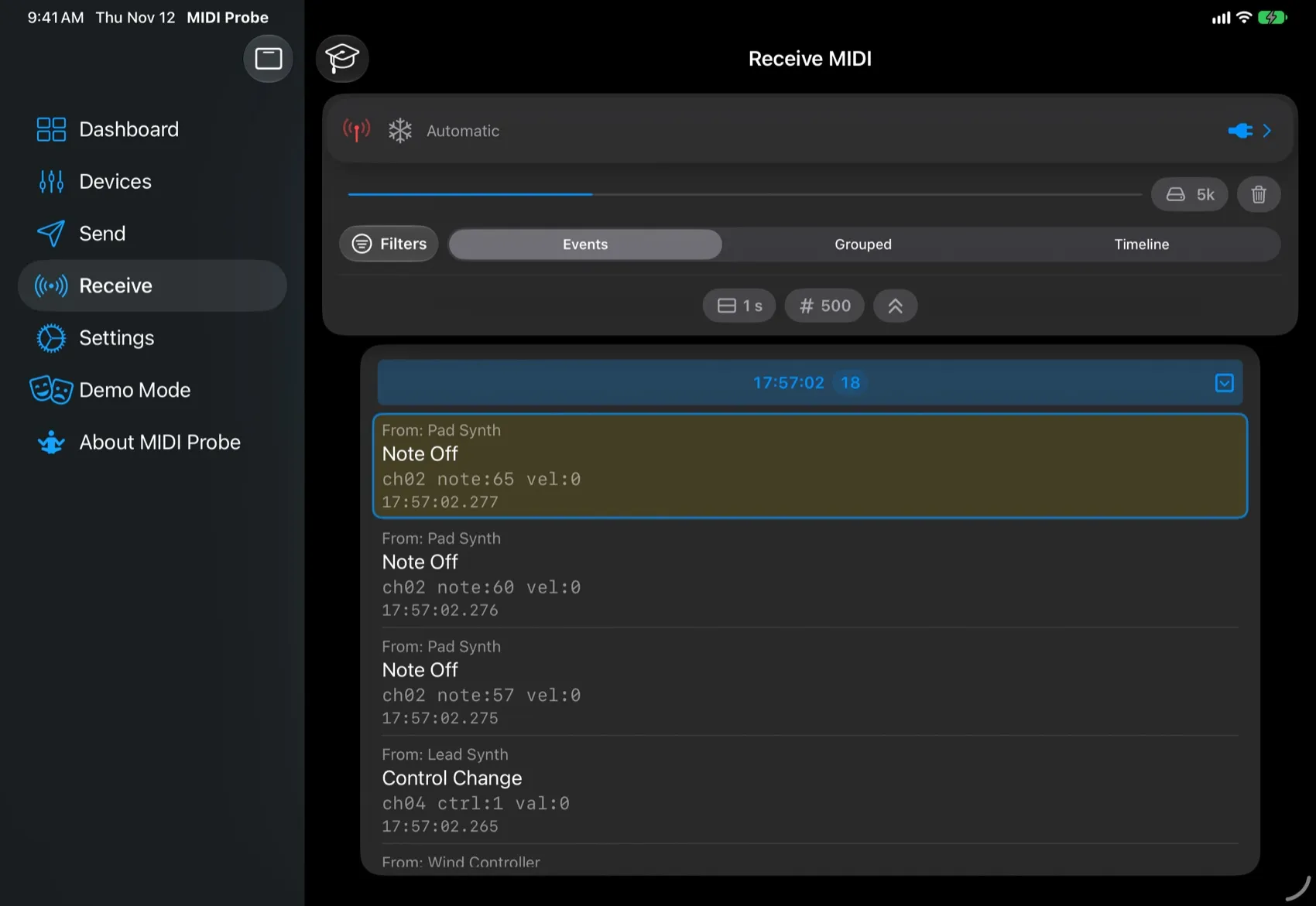
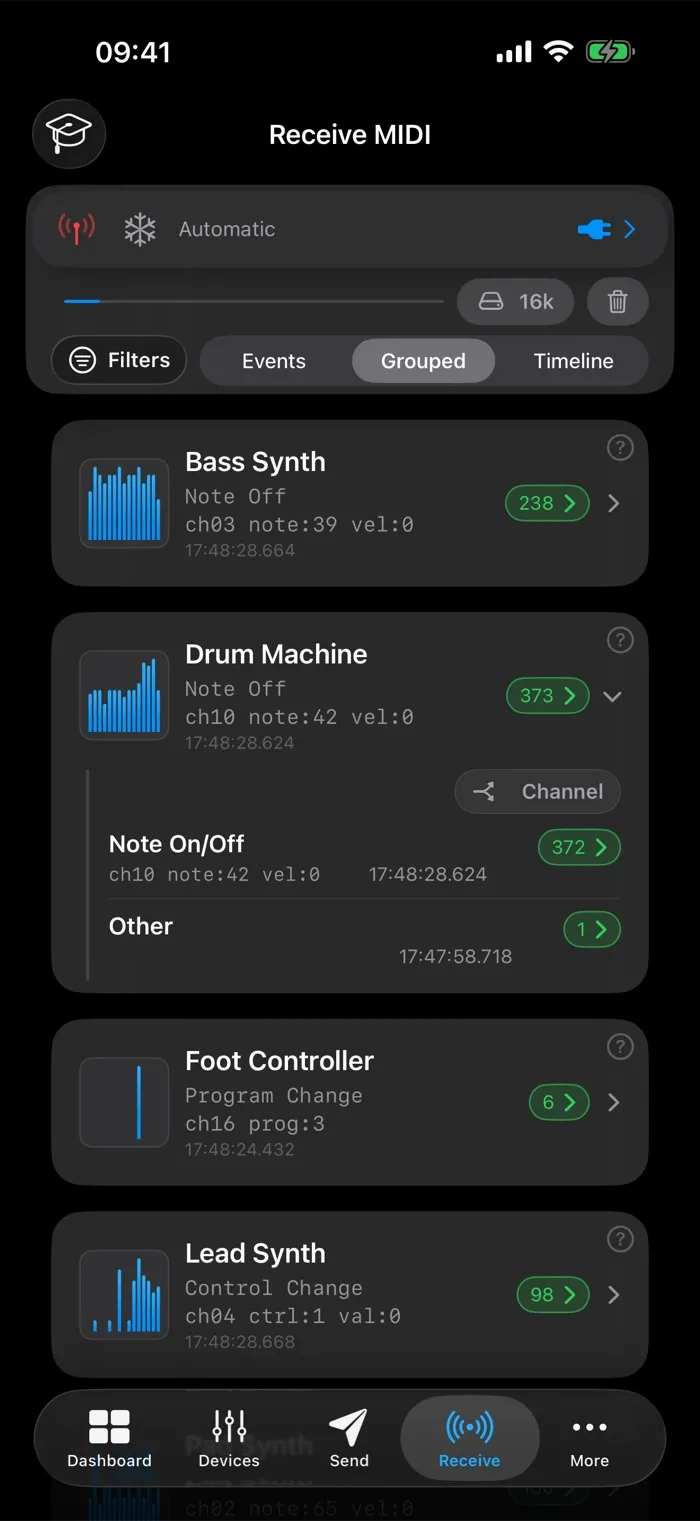
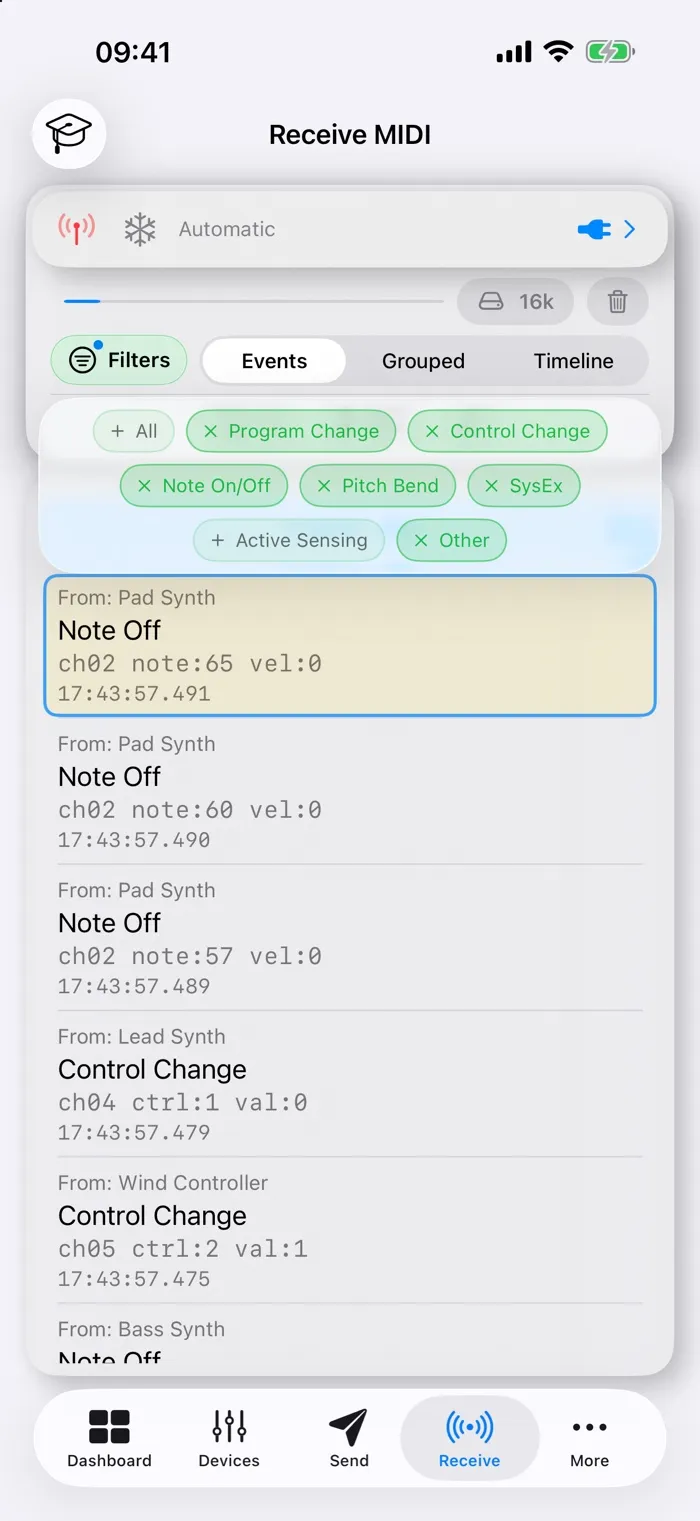
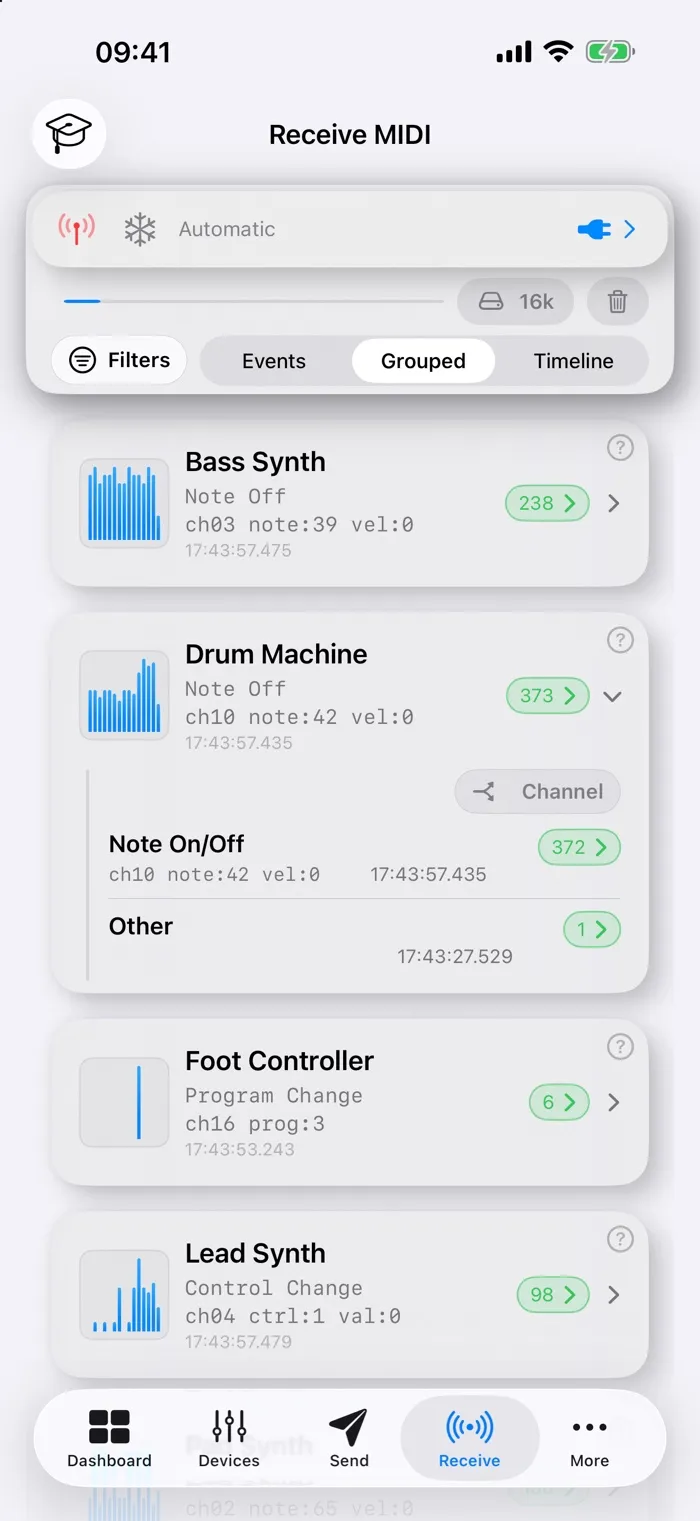
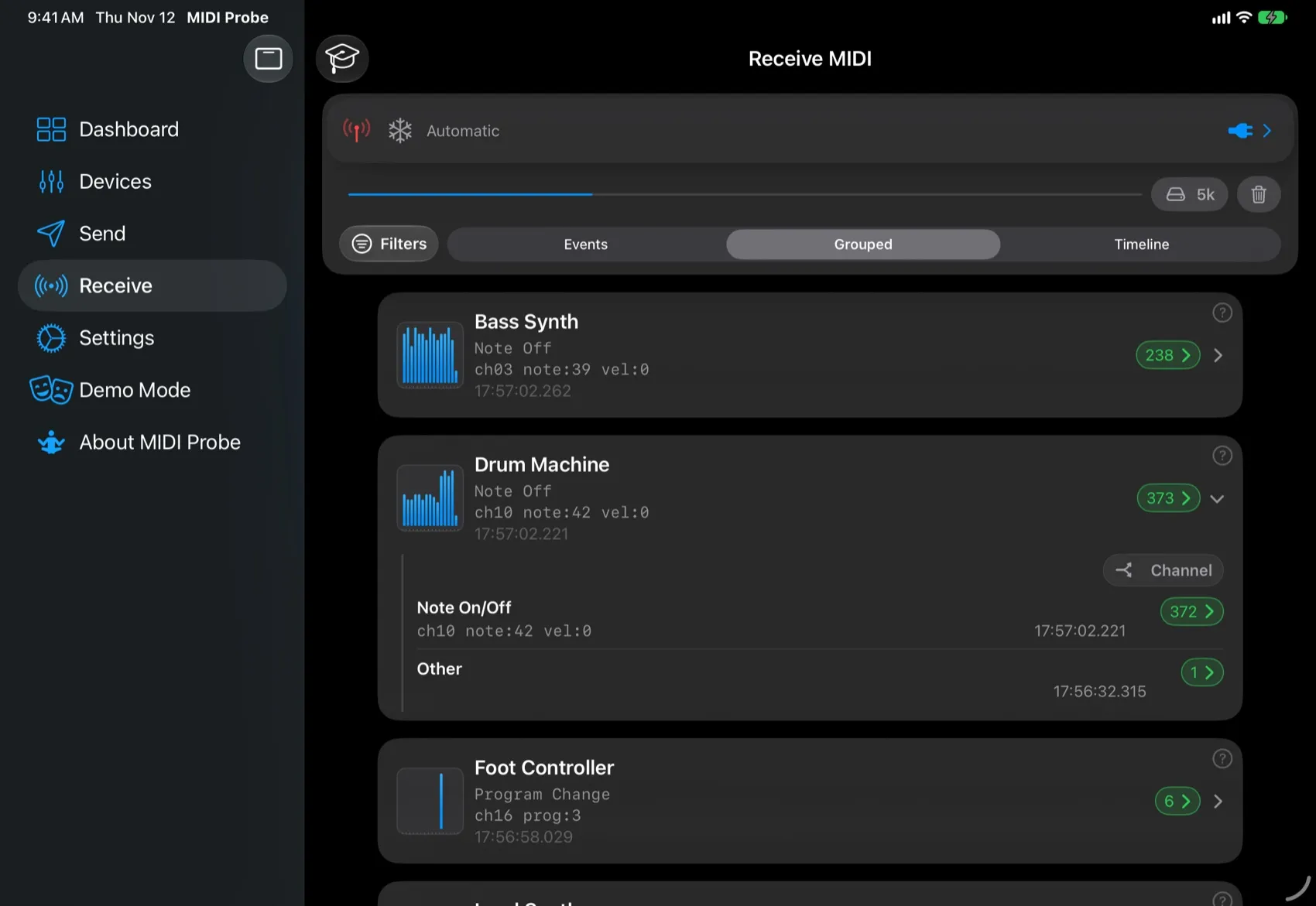
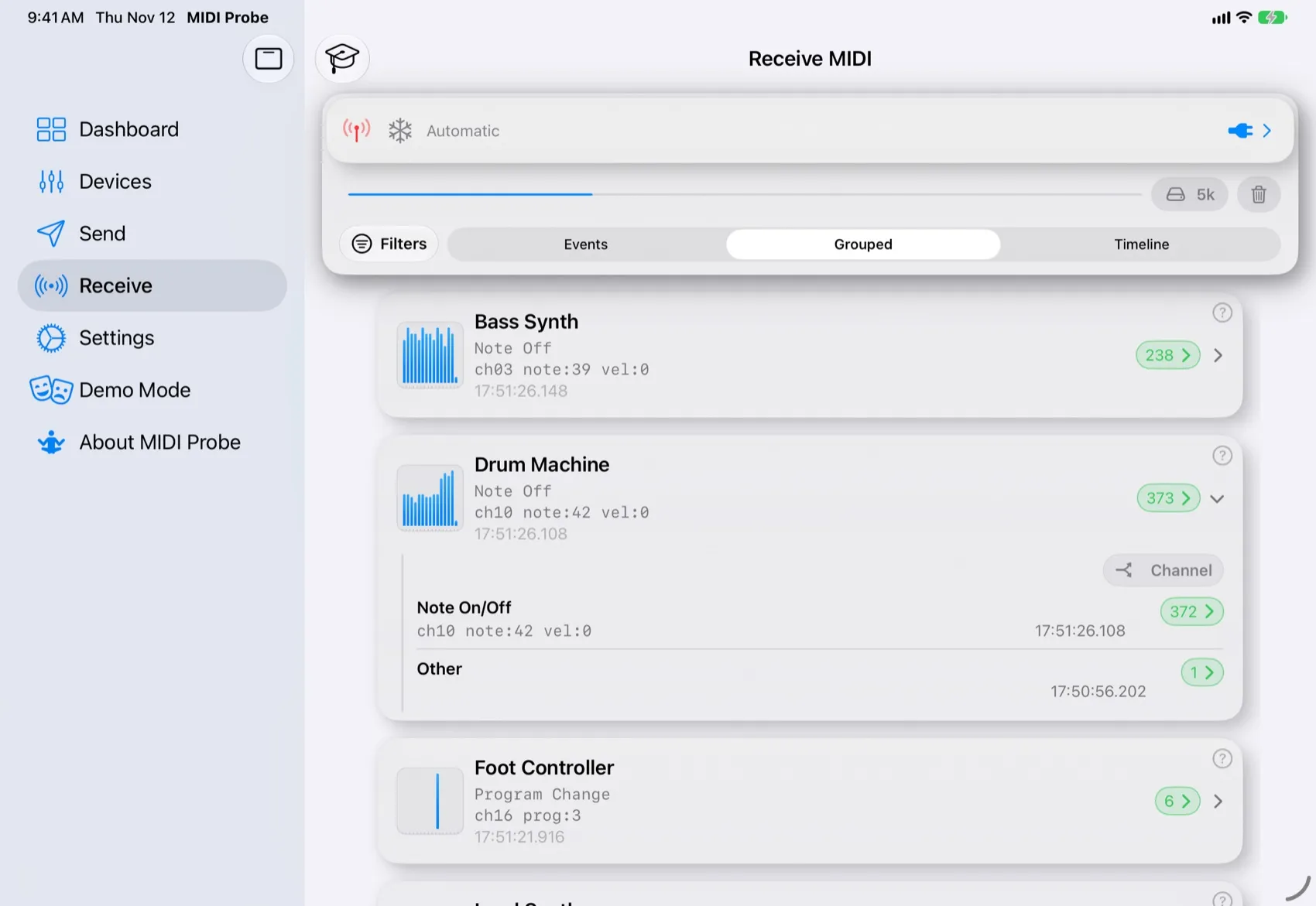
Watch incoming MIDI as a live log, grouped by device or channel, or on a timeline.

Features

Everything between your gear and your ears.

From finding a device to pinning down the one message that went wrong, MIDIProbe covers the whole path.

Discover

Find every device

USB, Bluetooth and network MIDI devices show up the moment they connect, with IDs and serial numbers at a glance. Pick sources and destinations right where you send and receive.

  • USB, Bluetooth LE and RTP network MIDI
  • Endpoint IDs, serial numbers, transport type
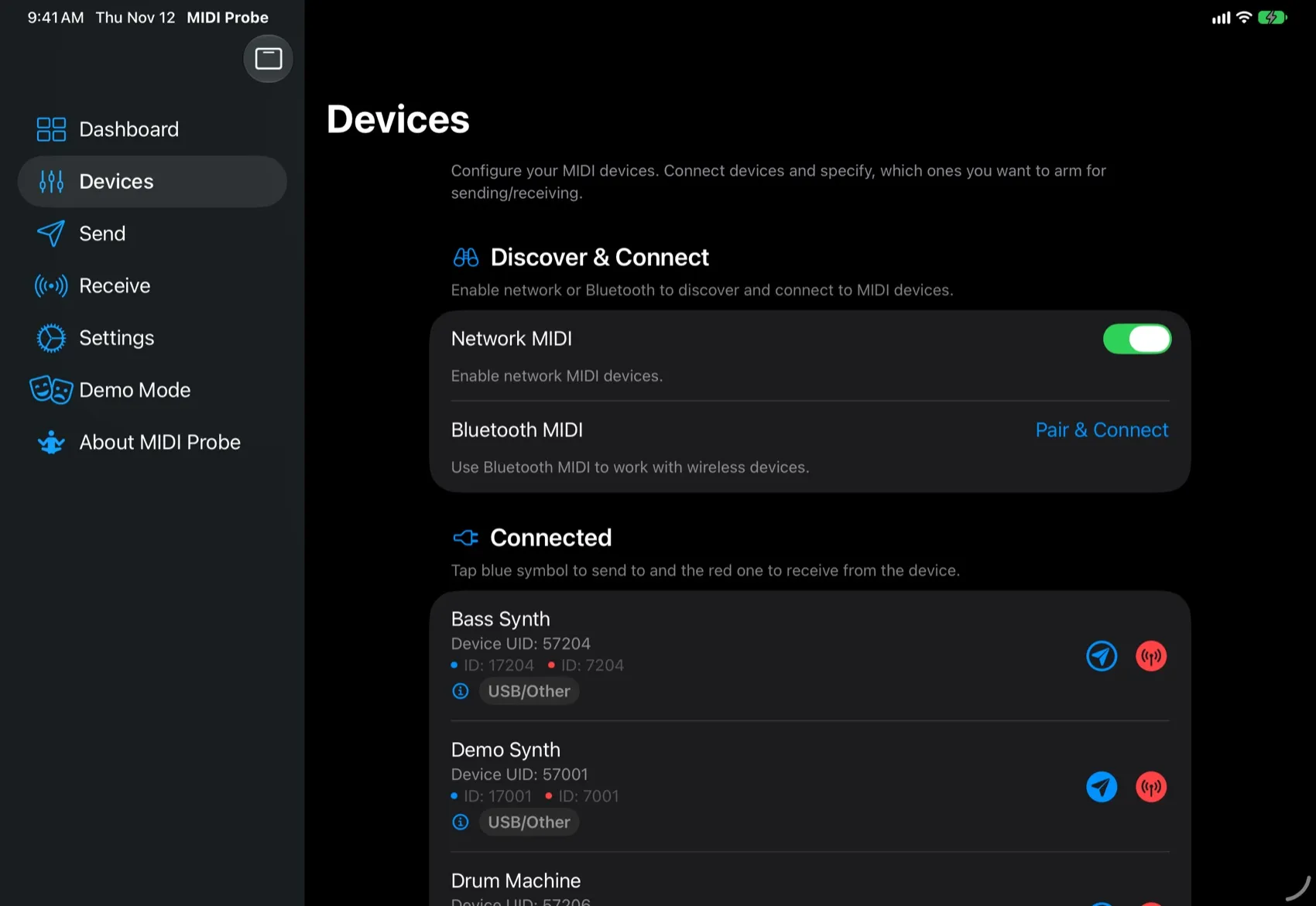
MIDIProbe on iPad: Find every device
MIDIProbe on iPhone: Find every device

Send

Send any message

Interactive send cards fire the exact message you need, straight to the device you pick. No hex editing: choose a command, set the values, tap send.

  • Channel: Notes, Control Change, Program Change, Aftertouch, Pitch Bend …
  • System Common: Song Position, Song Select, Tune Request …
  • Real-Time: Start / Stop / Continue, Clock, Active Sensing, Reset …
MIDIProbe on iPad: Send any message
MIDIProbe on iPhone: Send any message

Monitor

See it live

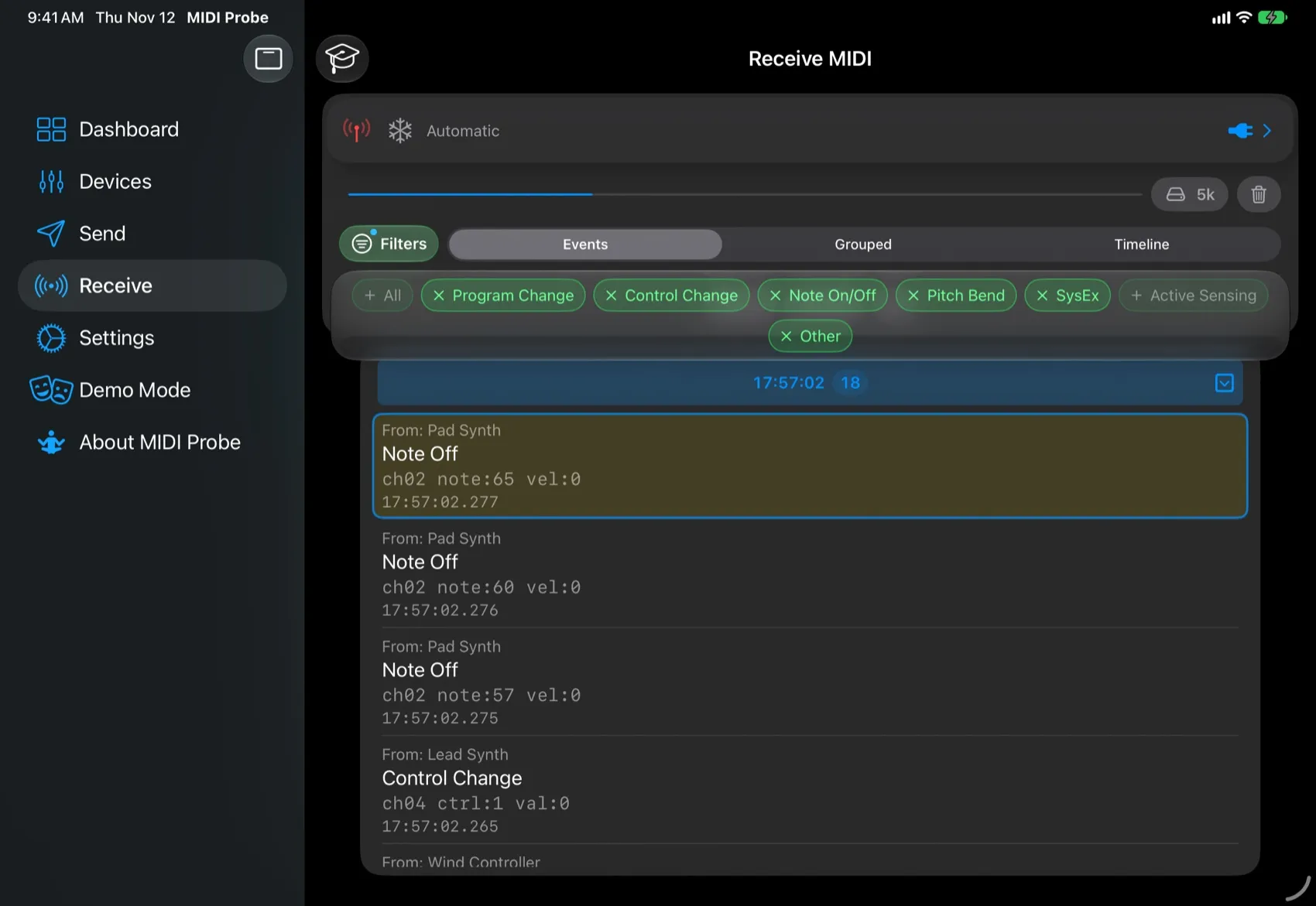
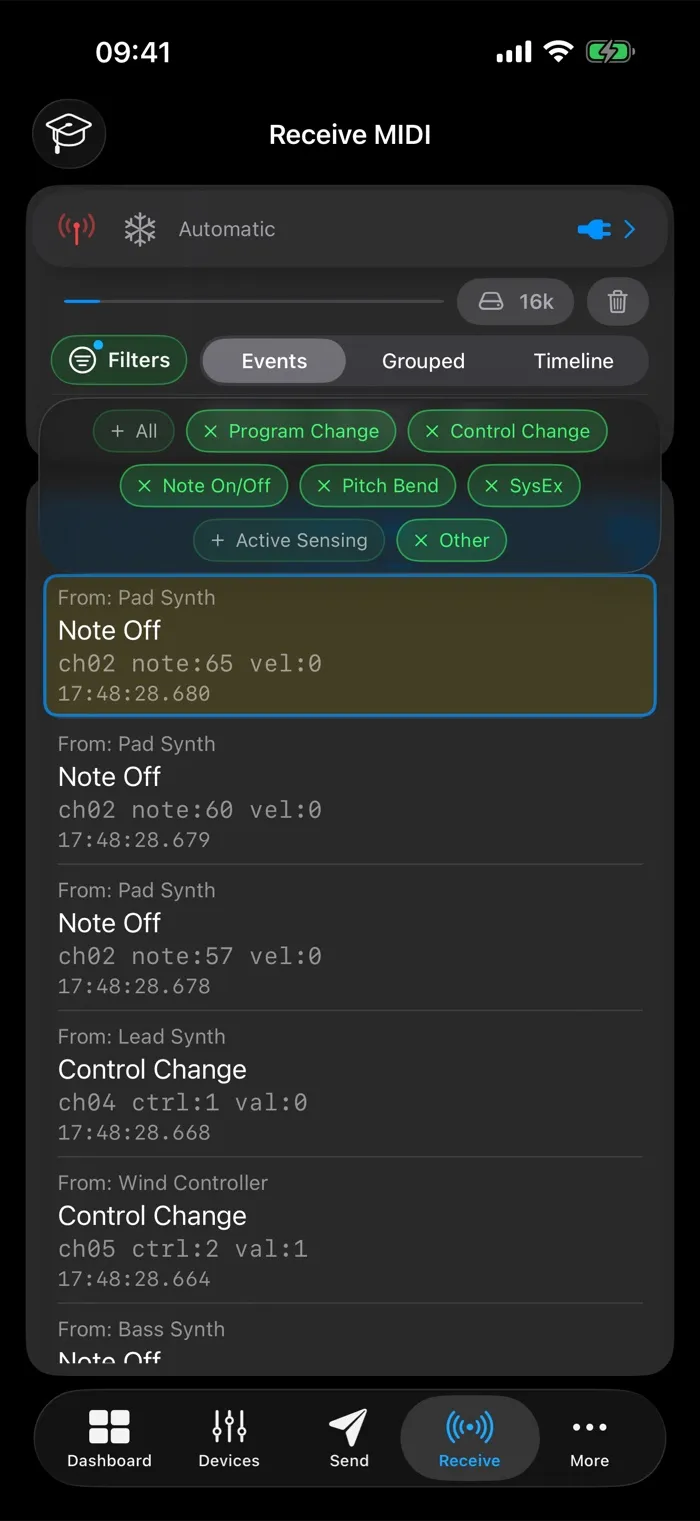
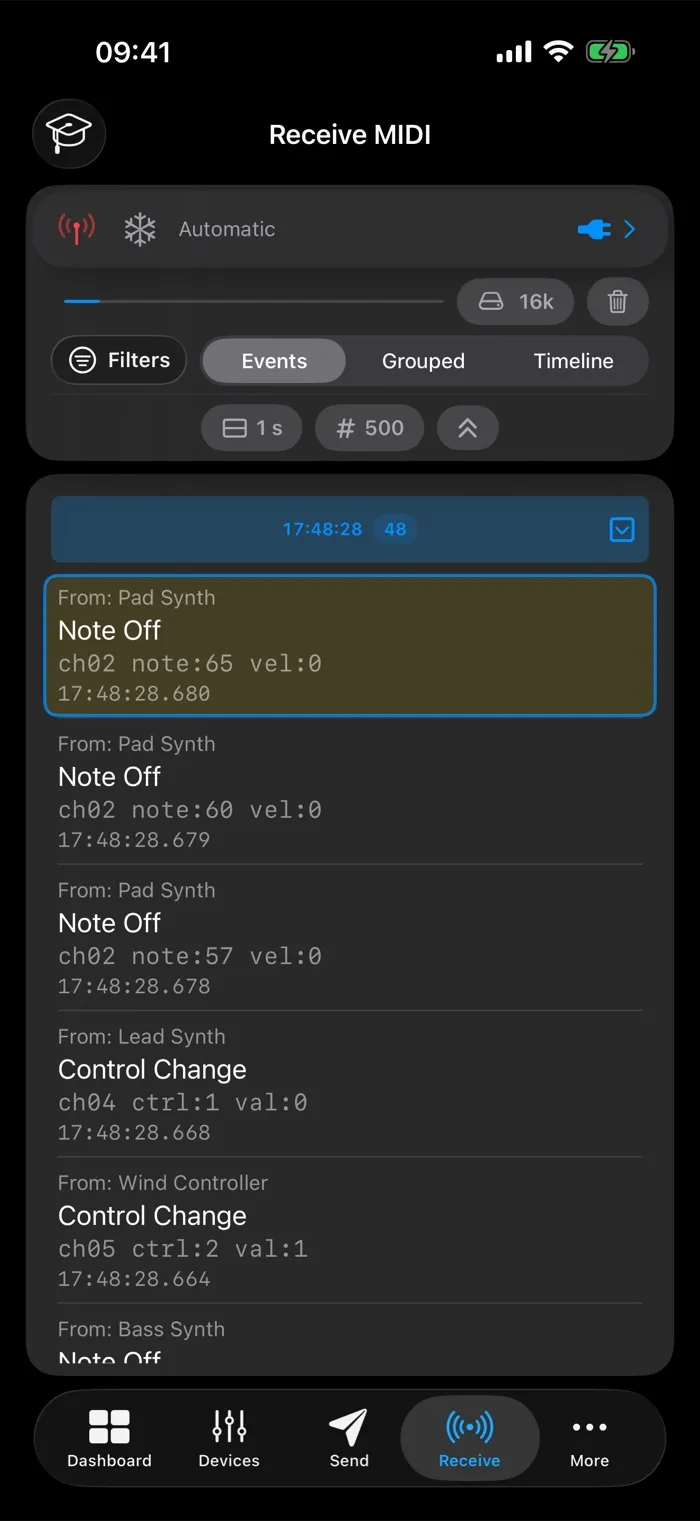
Every incoming message, timestamped the moment it arrives. Switch between a raw event log, a grouped view by device, event type or channel, and a timeline of each device’s activity.

  • Events, Grouped and Timeline views
  • Stays smooth with several devices sending dense MIDI events
MIDIProbe on iPad: See it live
MIDIProbe on iPhone: See it live

Timeline

Analyzer Pro

See the timing

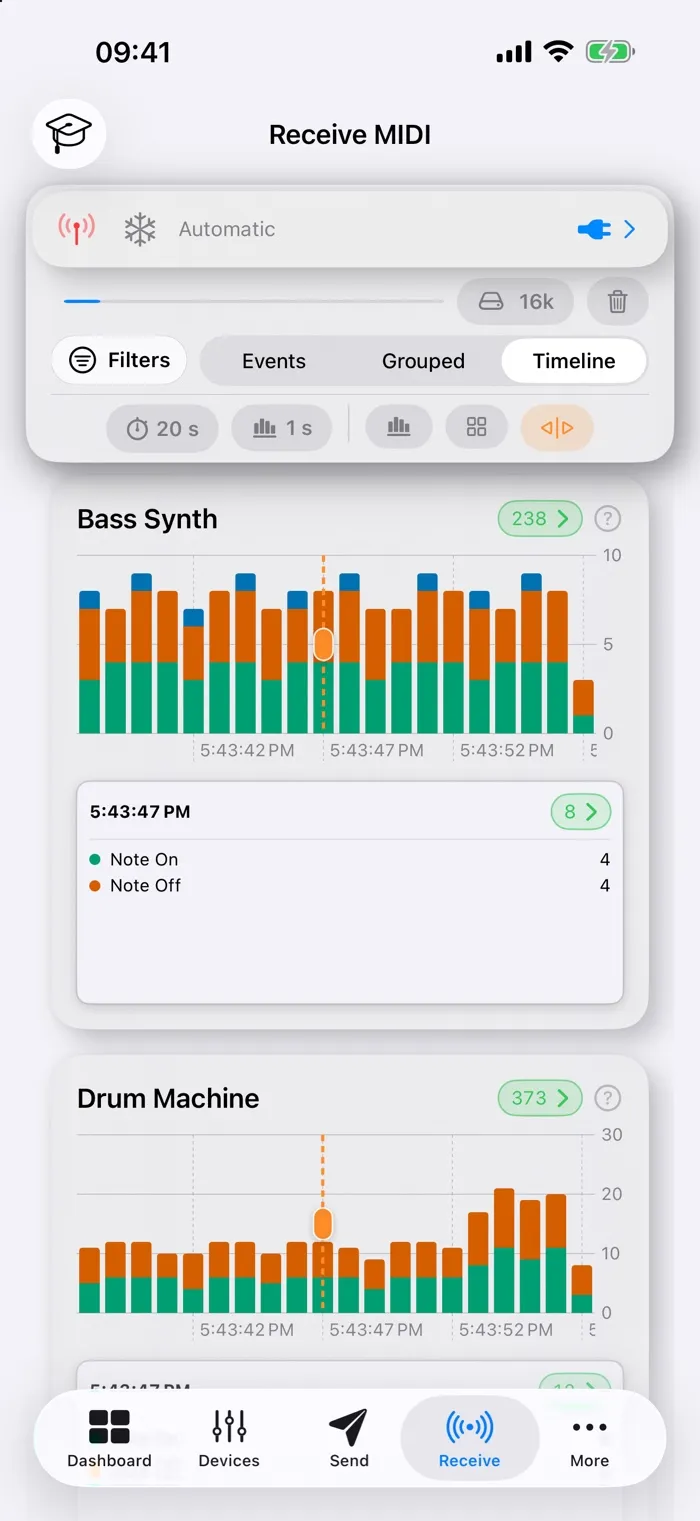
Each device gets its own activity chart over time. Drop the marker on any time slot and see exactly what every device sent at that moment: stray notes and a second clock have nowhere to hide.

  • Side-by-side activity per device
  • Tap to place the marker, drag to scrub
MIDIProbe on iPad: See the timing
MIDIProbe on iPhone: See the timing

Detail

Drill into any device

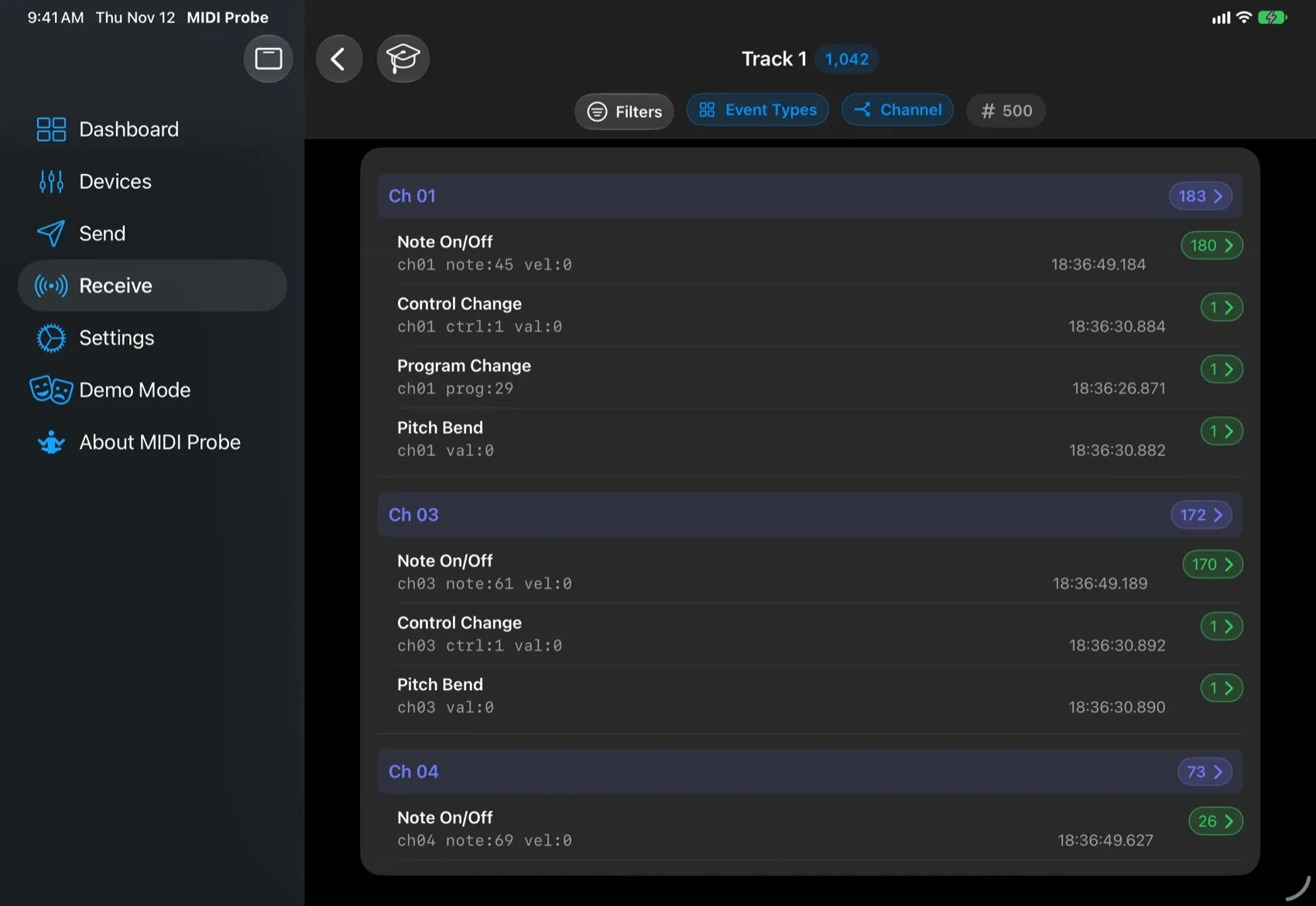
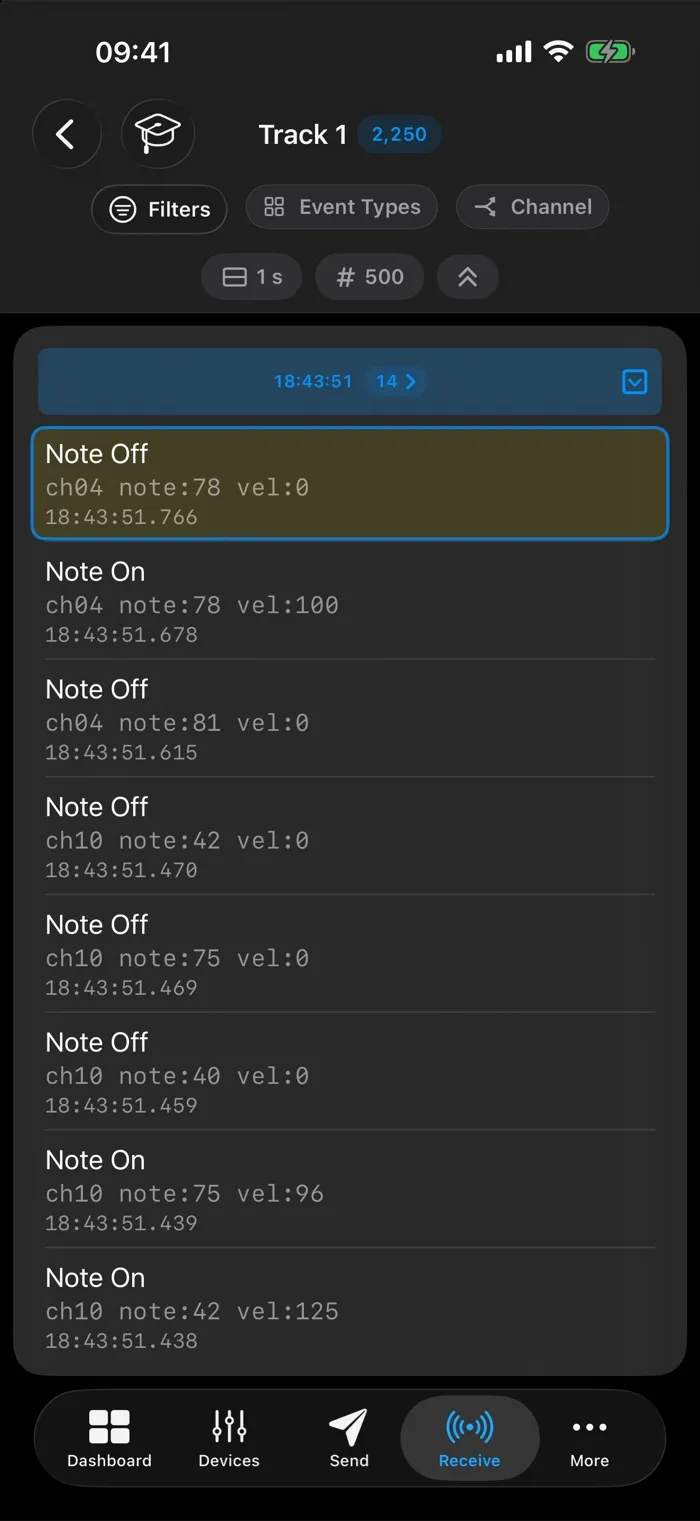
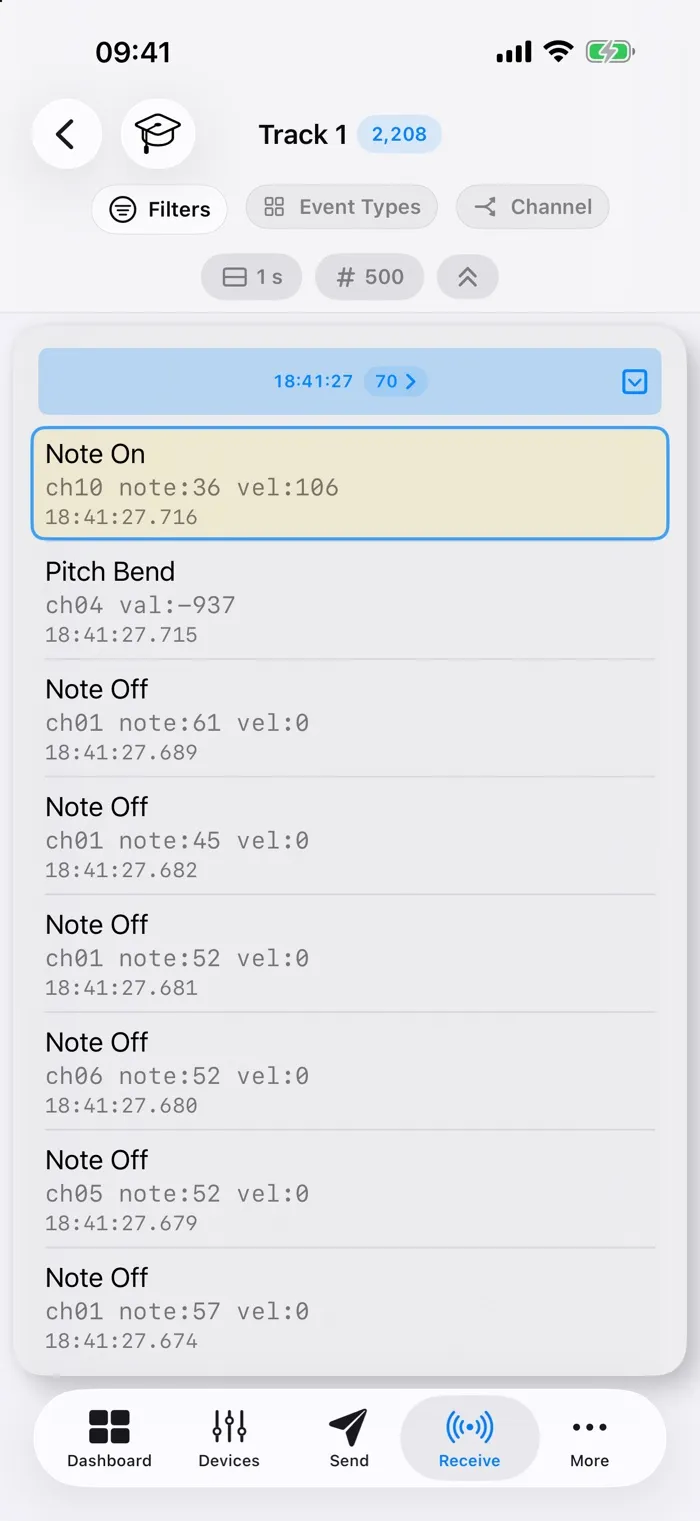
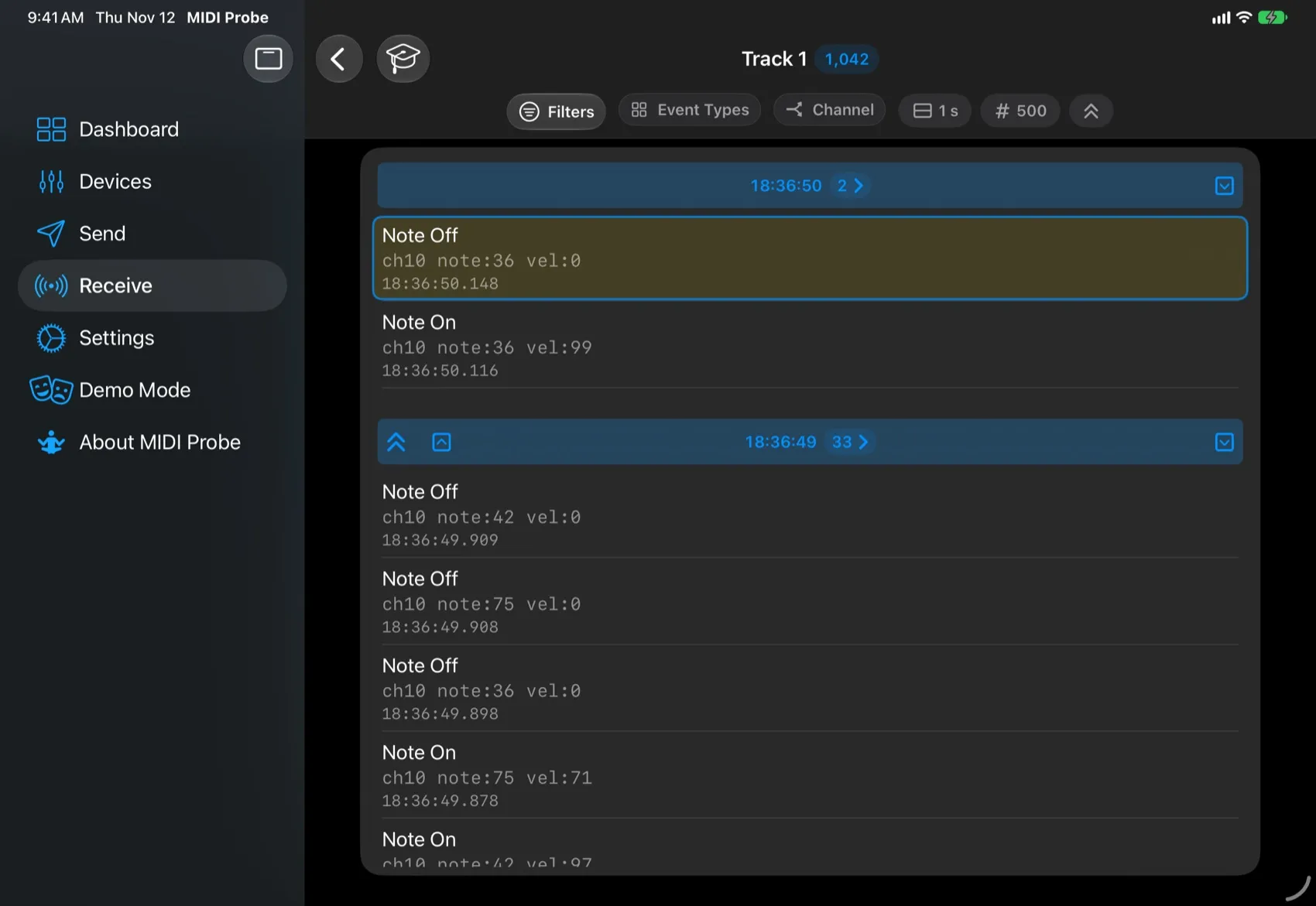
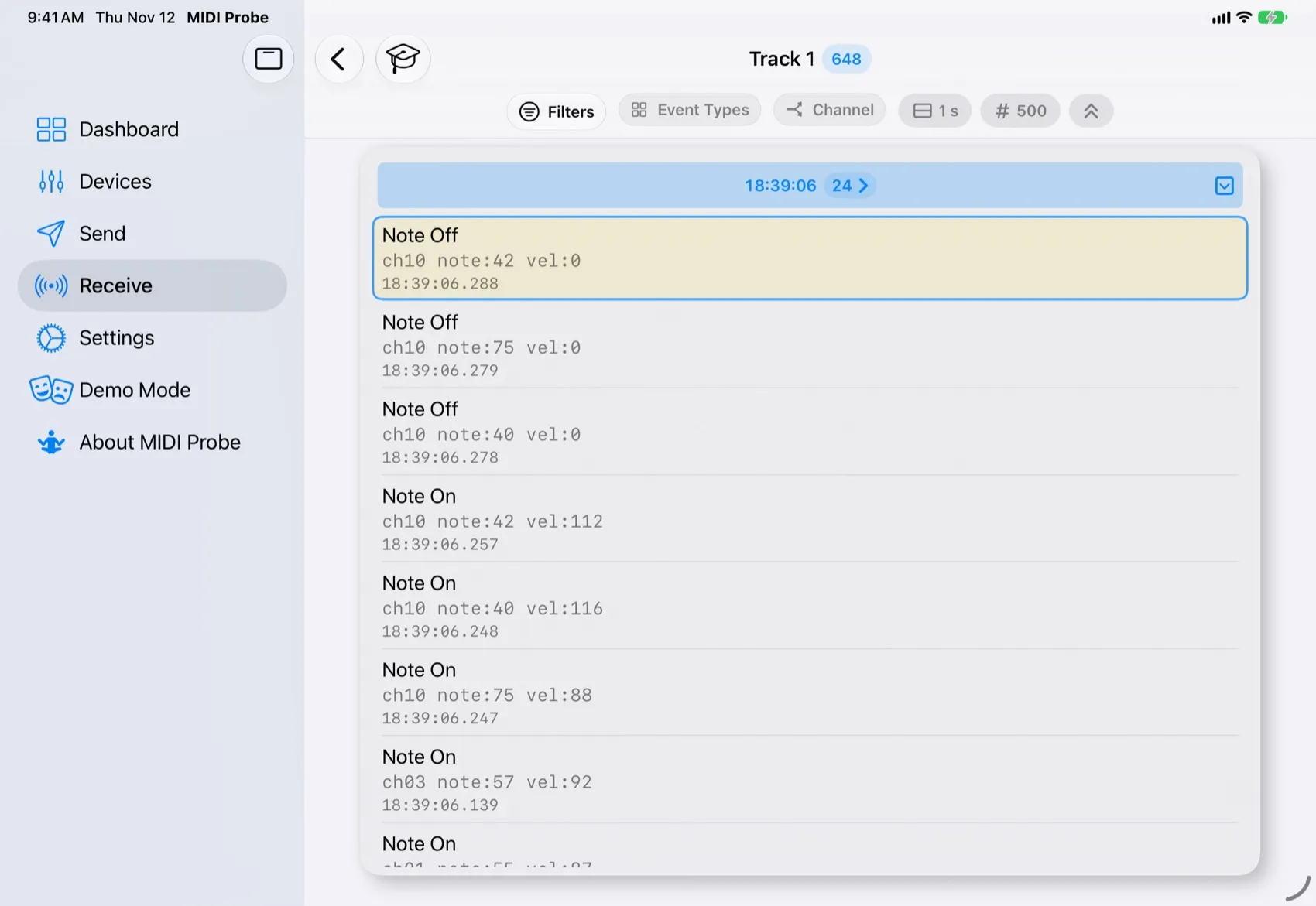
Every device, group and channel has its own detail page. Group its events by type and channel on the fly: even a multi-channel track is clear at a glance.

MIDIProbe on iPad: Drill into any device
MIDIProbe on iPhone: Drill into any device

Focus

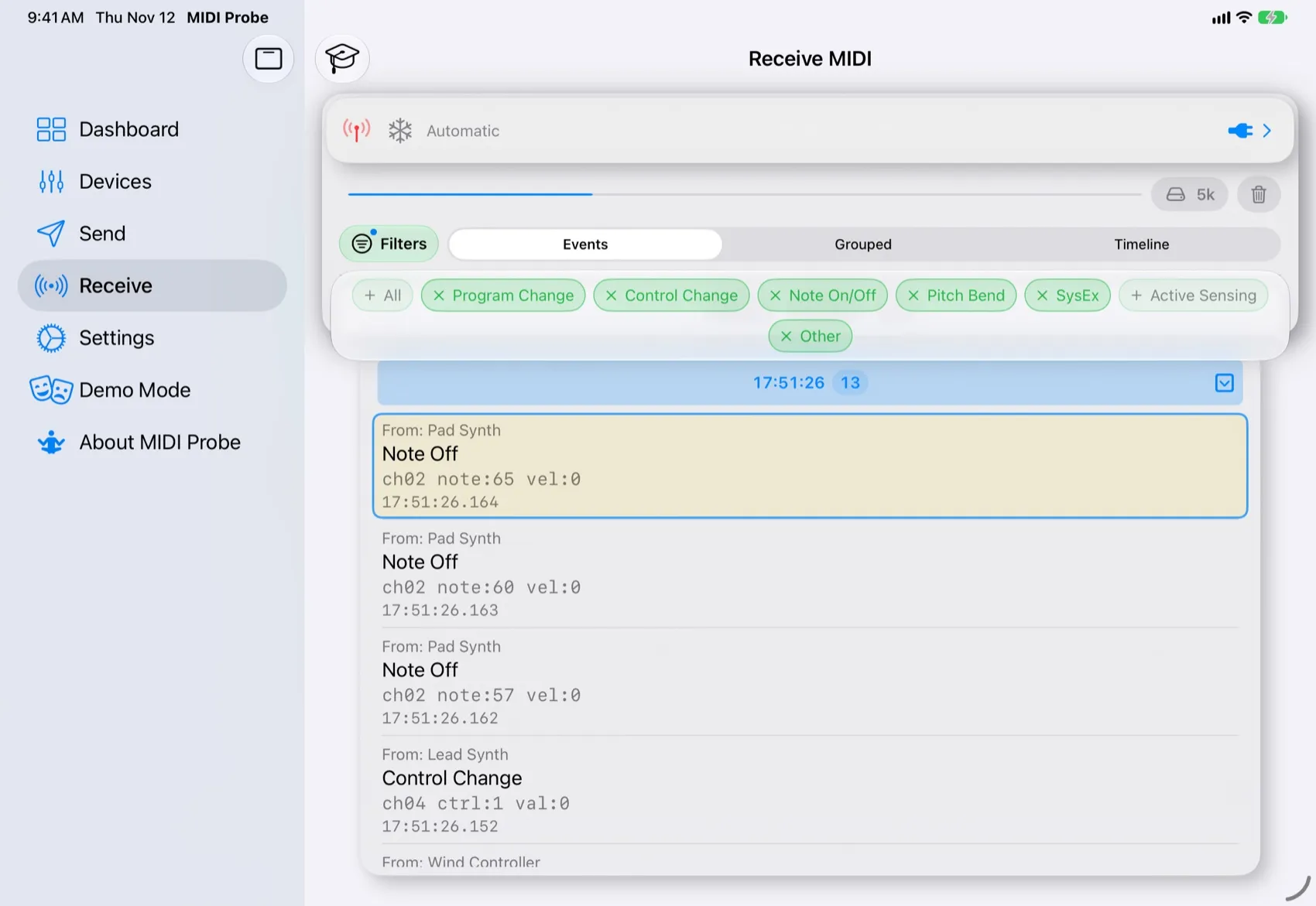
Mute the noise

Set filters once and they apply in every view: hide Active Sensing and other clutter, keep what matters. Mute pauses recording; Freeze holds the display while new messages are still stored.

MIDIProbe on iPad: Mute the noise
MIDIProbe on iPhone: Mute the noise

Configurable

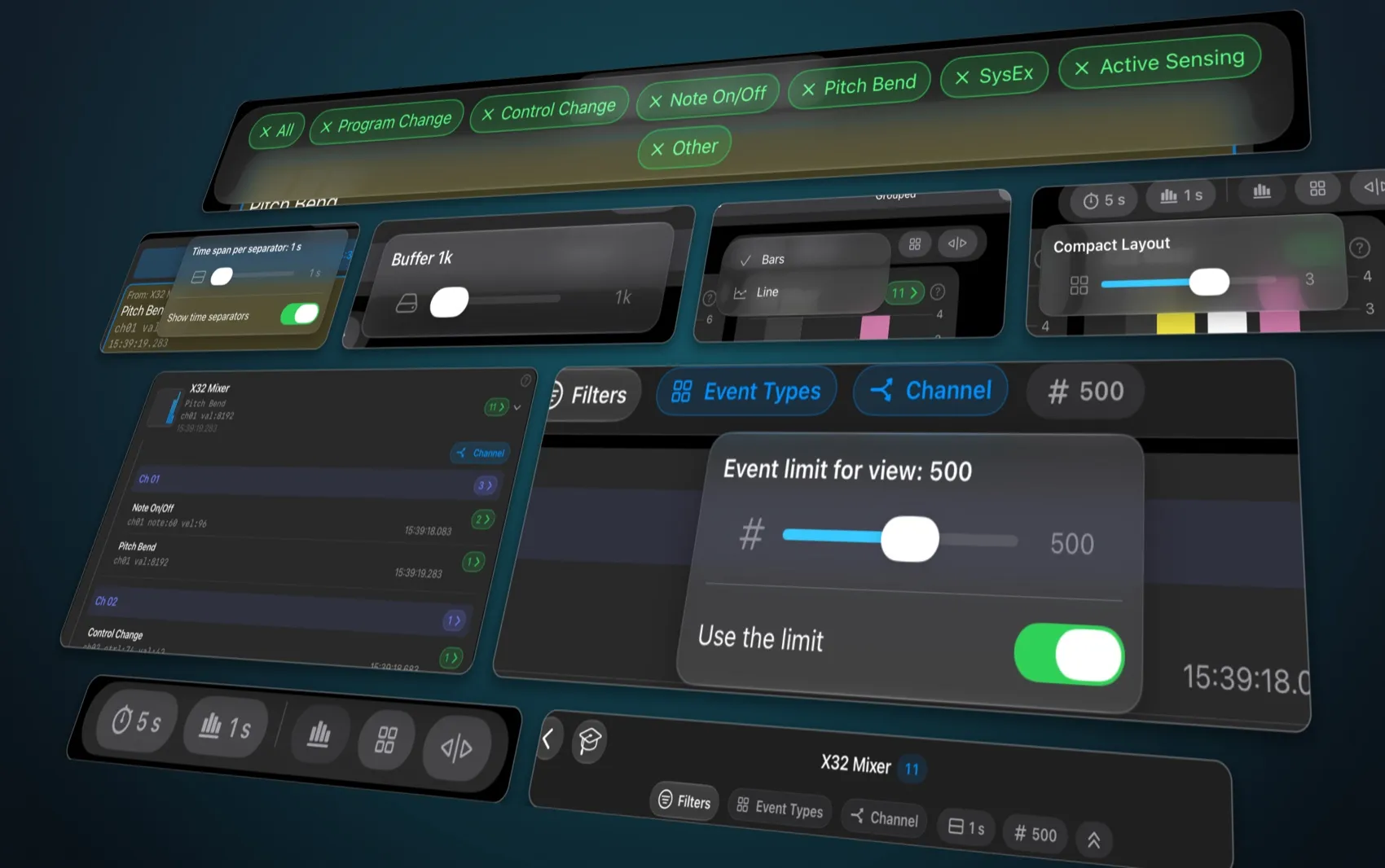
Every view, your way

Filter, group, focus: controls that give you exactly the view of your data you need right now.

  • Filter by command type, group by event type or channel
  • Time slots, chart mode, layout, buffer and event limits
Collage of MIDIProbe controls on iPad: filters, time slots, buffer, chart mode, layout, channel grouping and event limit

Built for real rigs

Fast when it gets busy.

Smooth under heavy traffic

Several devices sending dense MIDI events at once? The live views automatically optimize how they display the data to stay responsive, and the app lets you know when they do.

Buffer your way

Set the buffer size in Settings or right on the Dashboard. The default is higher now, so more messages stay available.

iPhone, iPad and Mac

Layouts adapt to the device: compact in your pocket, roomy on iPad, and at home on the Mac as a “Designed for iPad” app.

Getting started

Easy to get from day one.

No hardware? Demo mode

Simulated devices send what real instruments do, from a few controllers to a full orchestra or a song. Explore every screen before you plug anything in.

Guided tours

Step-by-step tours walk you through the Dashboard, Send, Receive and every analysis view.

Help on the key cards

“?” buttons on the most important cards explain them right where you use them.

Use cases

If you're into this kind of thing, MIDIProbe is for you.

  1. 01

    Reverse-engineer mixer control

    Find which channel / CC / value combinations mute channels on your X32, then check your floorboard sends exactly those before you go live.

  2. 02

    Map a foot controller

    Identify the Program Changes or CCs that switch the presets of your multi-FX unit, and confirm your mapping.

  3. 03

    Untangle a multi-device rig

    Stray notes or a second clock somewhere? The timeline shows who sent what and when, side by side.

  4. 04

    Check keyboard routing

    See which channel your keyboard really sends on, and whether splits and layers hit the channels your synth expects.

  5. 05

    Validate DAW templates

    See what each pad, knob and fader sends, catch duplicate CC numbers and confirm bank switching.

  6. 06

    “Why doesn’t it respond?”

    Check whether anything is sent at all, on which channel, and as which message type.

  7. 07

    Verify pitch bend & 14-bit CCs

    Check pitch bend ranges and whether high-resolution MSB/LSB pairs arrive correctly.

  8. 08

    Test your own gear

    Use MIDIProbe as a known-good sender and receiver for controller firmware or MIDI apps.

Screenshots

Take a closer look.

Hover or touch to magnify.

iPhone

iPad

Purchases & Pricing

Free to download.

The basic workflows are completely free, with no paywall: discover your devices, send any MIDI message and watch incoming MIDI live, grouped by device, event type or channel, with filters, Mute and Freeze. That’s everything you need for everyday testing and troubleshooting.

Features marked Analyzer Pro are part of the Analyzer Pro package, like the new Timeline view. It will become an in-app purchase later: download now and you get it free — forever!

Download

Get MIDIProbe

The pocket MIDI toolkit for iPhone and iPad. Discover your devices, send the exact messages you need, and watch every incoming message live, so you can see at a glance which device sent what, and when.